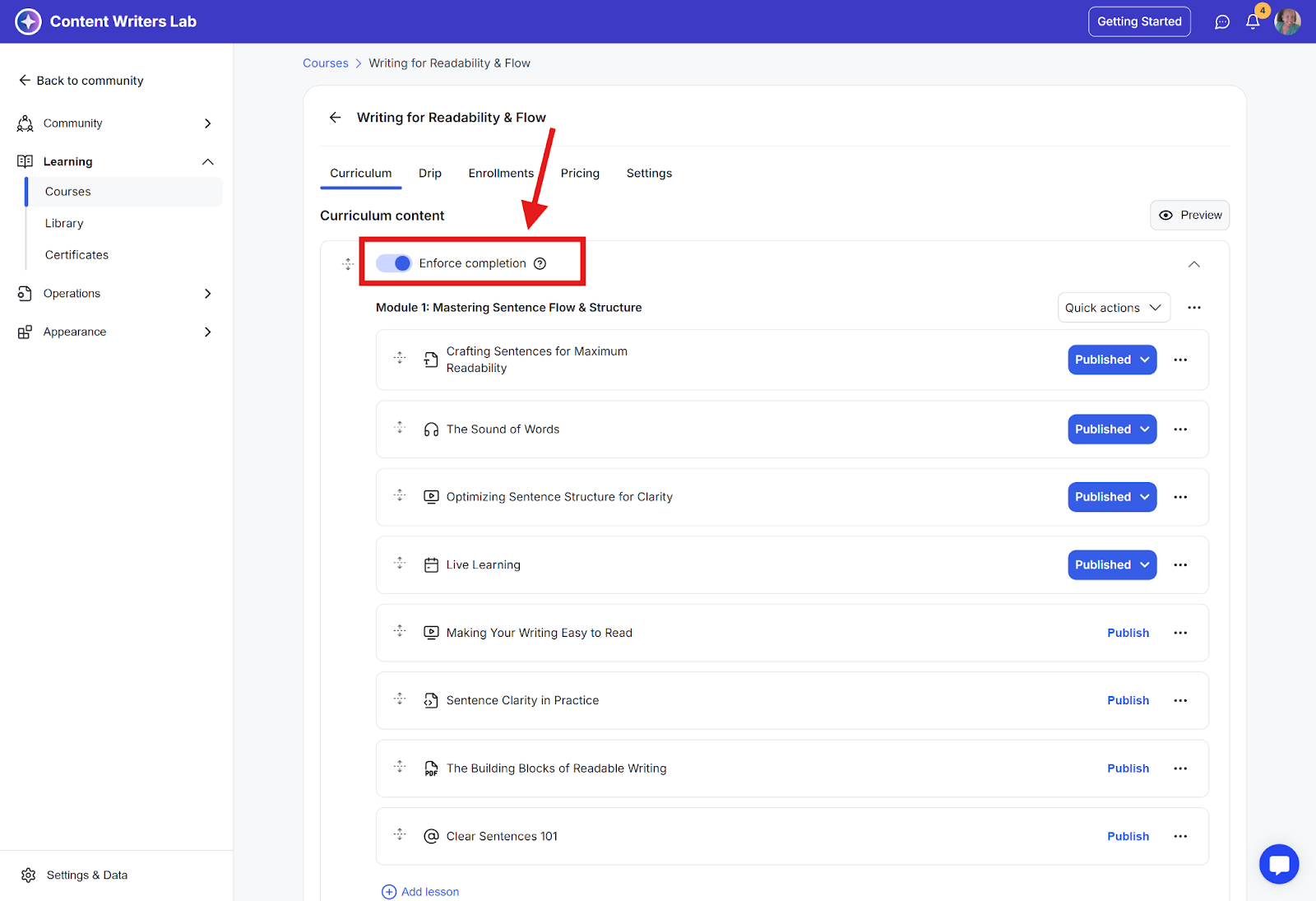
When you enable enforced section or lesson completion, students must progress through lessons in the order they appear in your course. They will need to mark each lesson as complete before moving on to the next one.
Please note:
Enforce Completion applies per section, not across the entire course.
It controls lesson progression only within that specific section.
Each section has its own Enforce Completion toggle.
If a section contains only one lesson, Enforce Completion will not gate progression as there are no additional lessons in that section to control.
How to Enable Lesson Completion on a Course
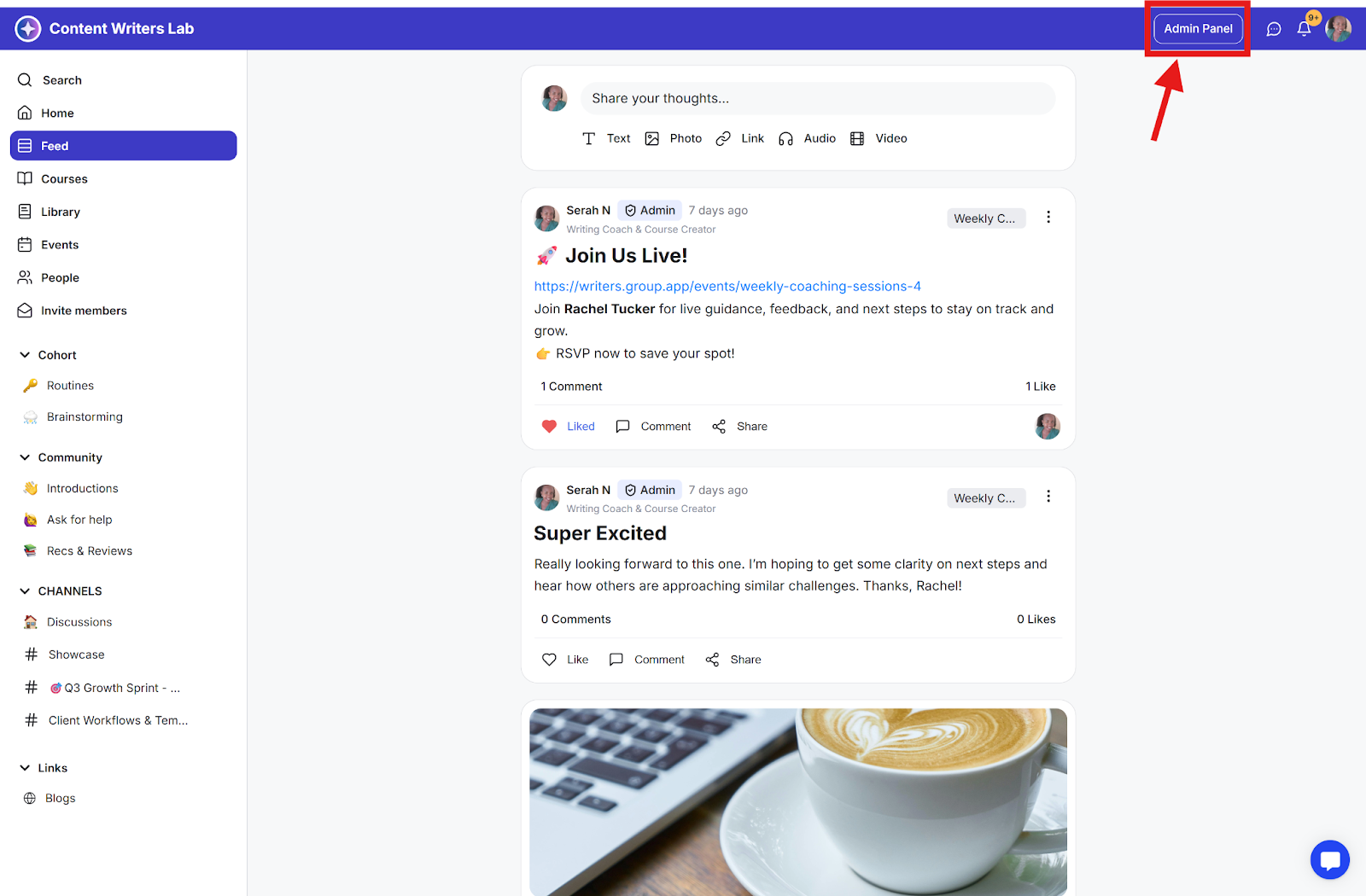
Step 1: Click on the Admin Panel button.
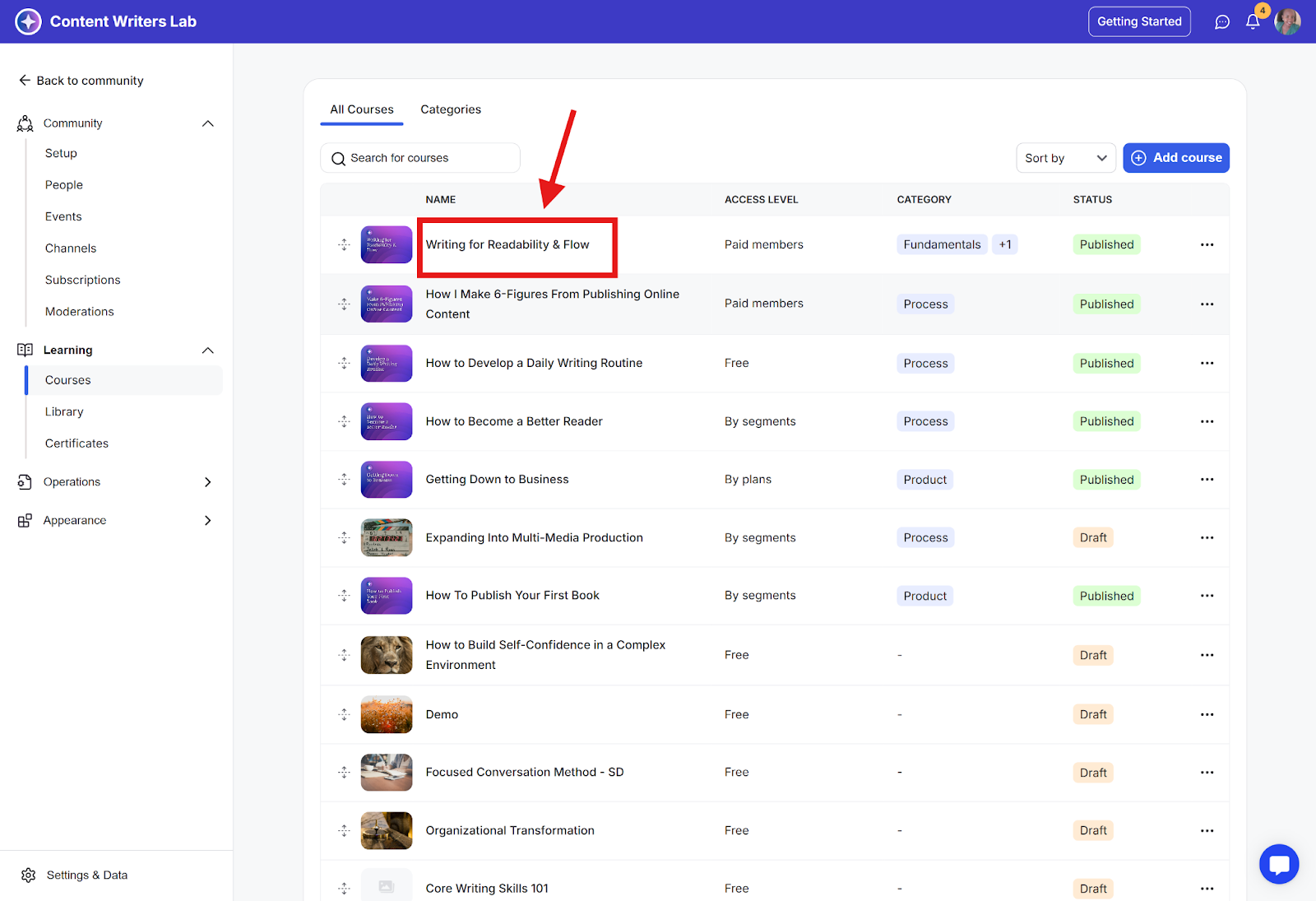
Step 2: Click on Learning in the side menu, then select Courses. Then, click on the course you want to enforce completion on.
Step 3: Check the Enforce Completion toggle. You’ll need to turn on the toggle separately for each module.