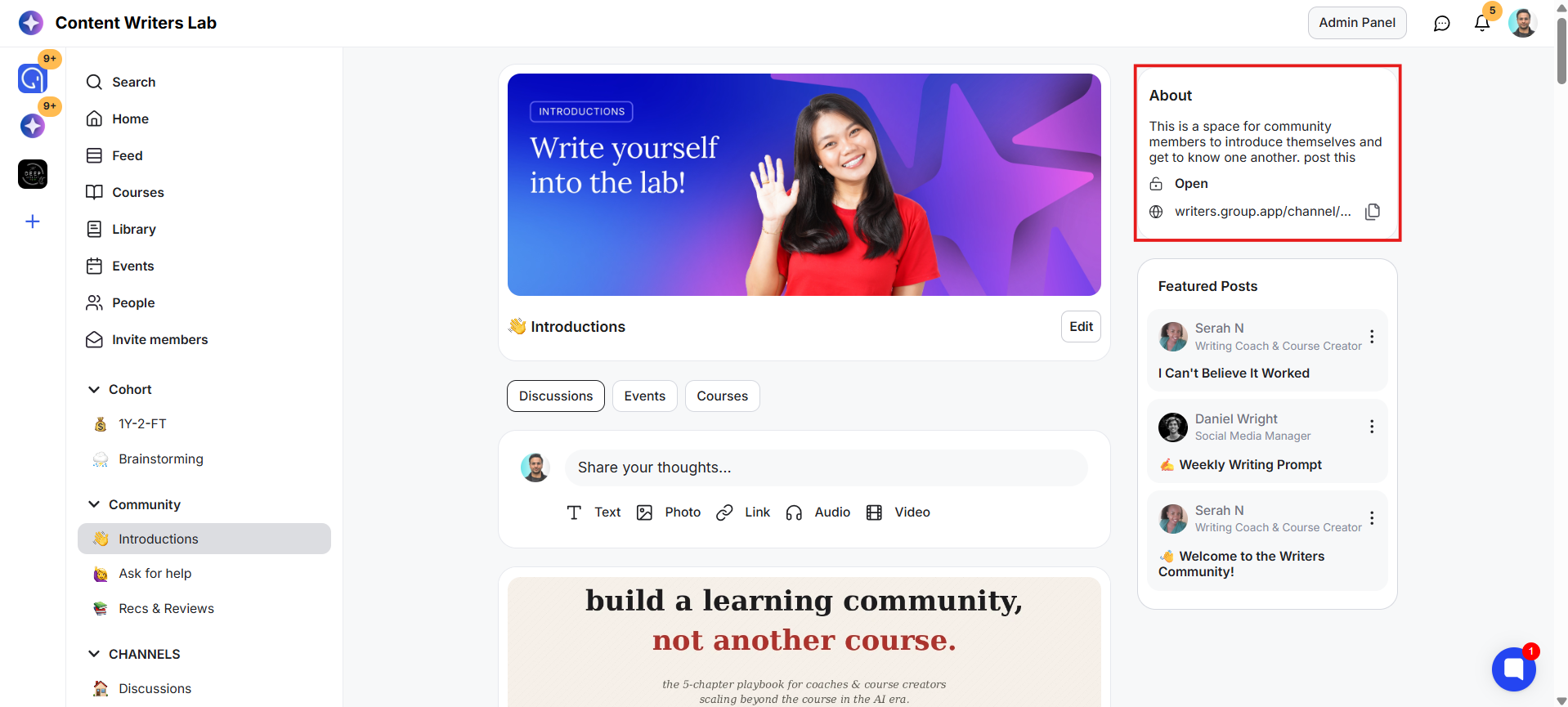
By default, each channel displays the total number of members and profile images of a few members in the About panel on the right-hand side. If you prefer not to show this information, you can hide the member count for both new and existing channels.
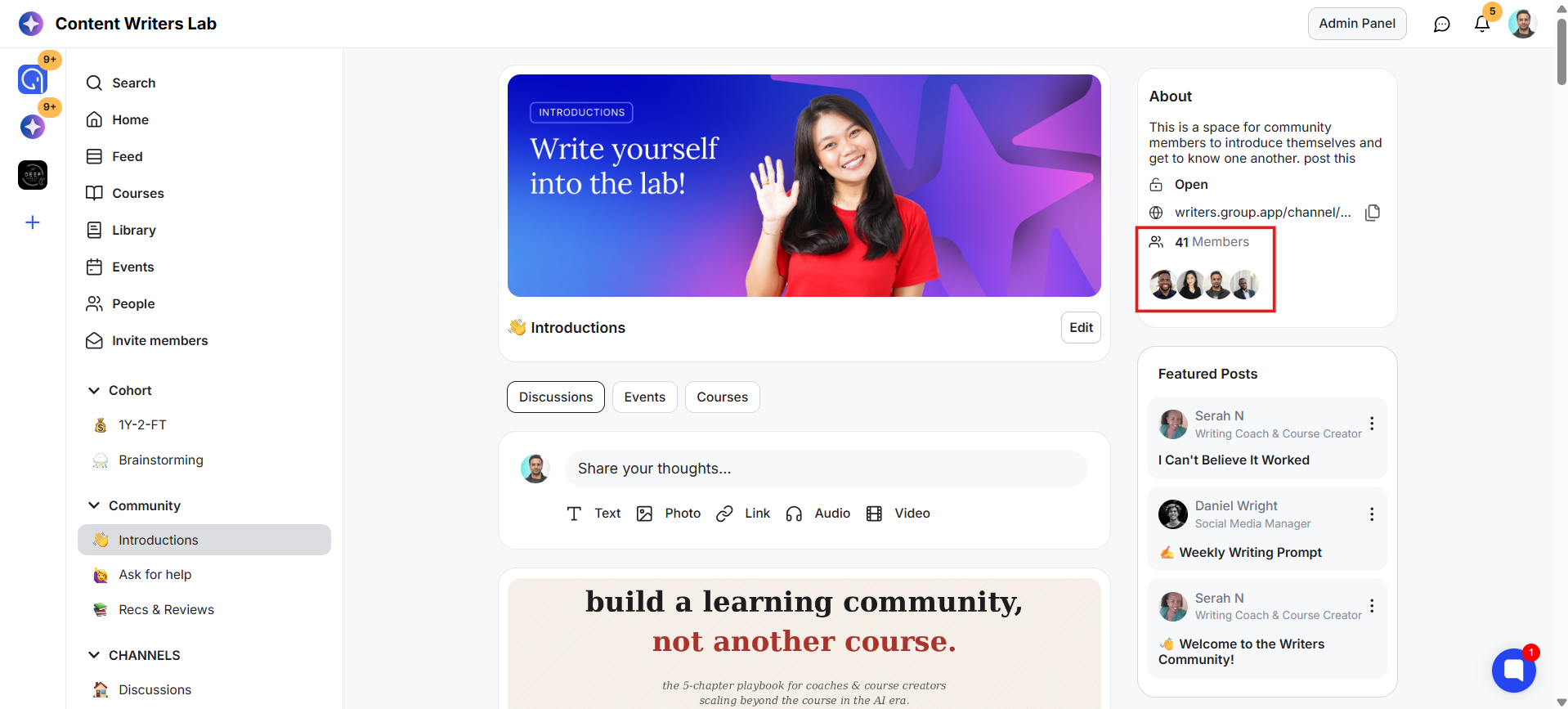
Here's how to hide the member count in a channel:
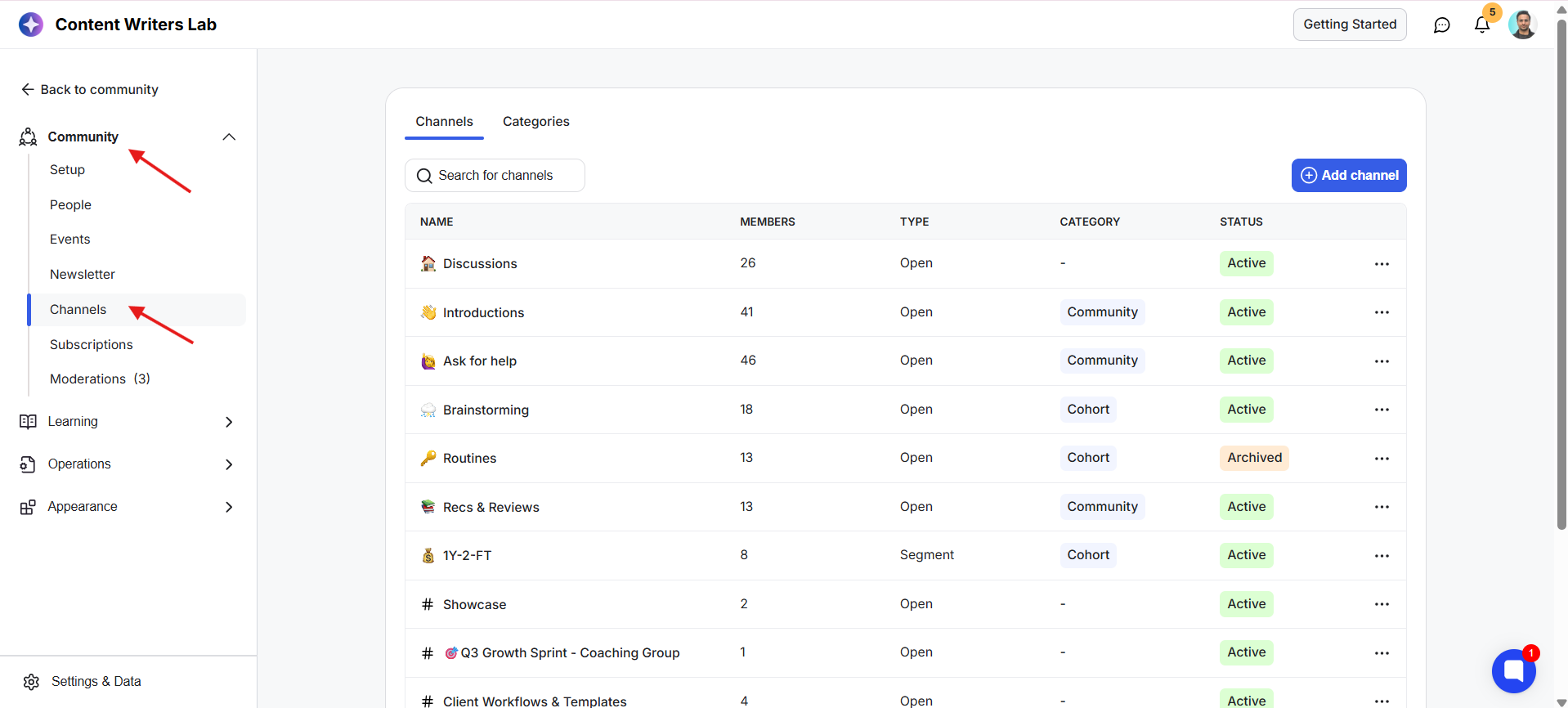
1) Go to the Admin Panel. Under the Community section, click Channels.
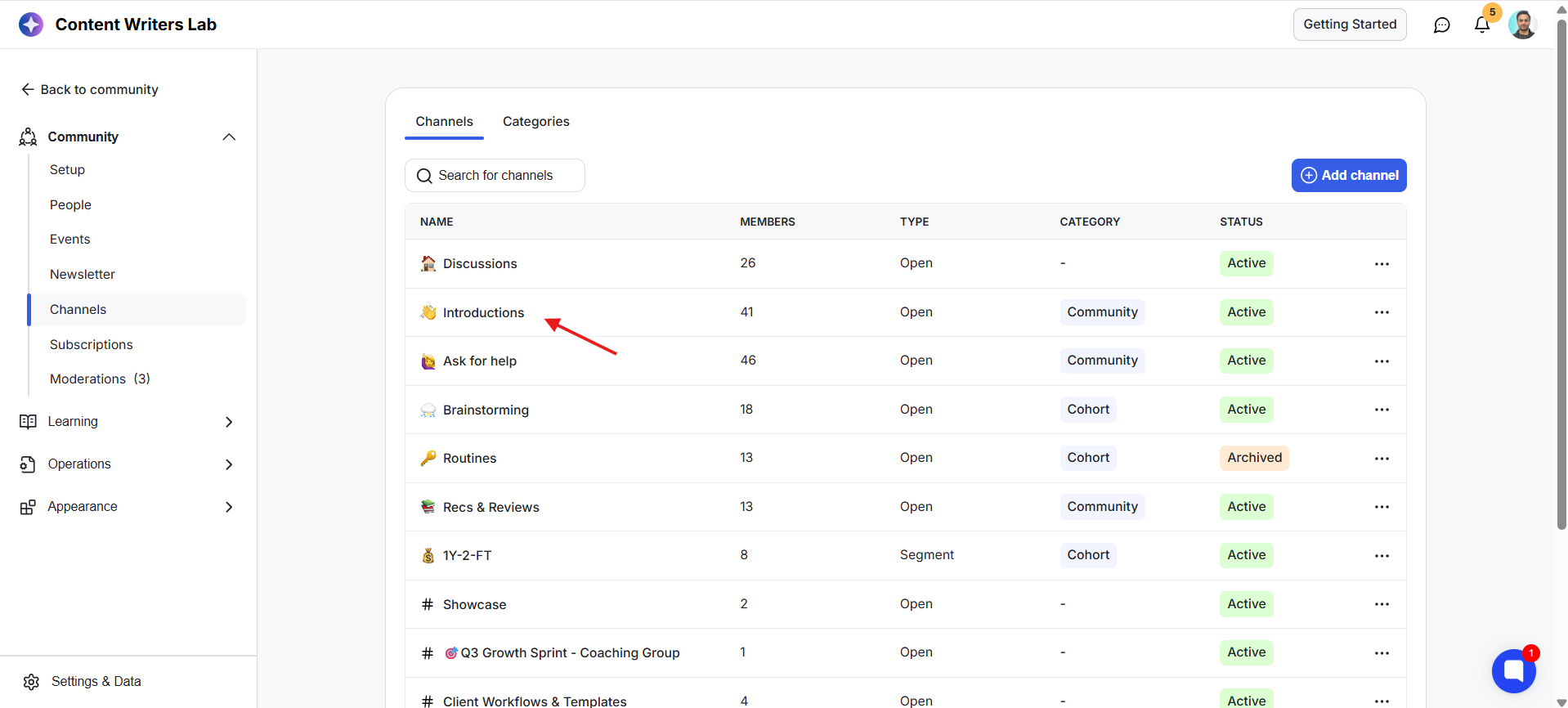
2) Click on the channel you want to update.
3) This opens the channel settings.
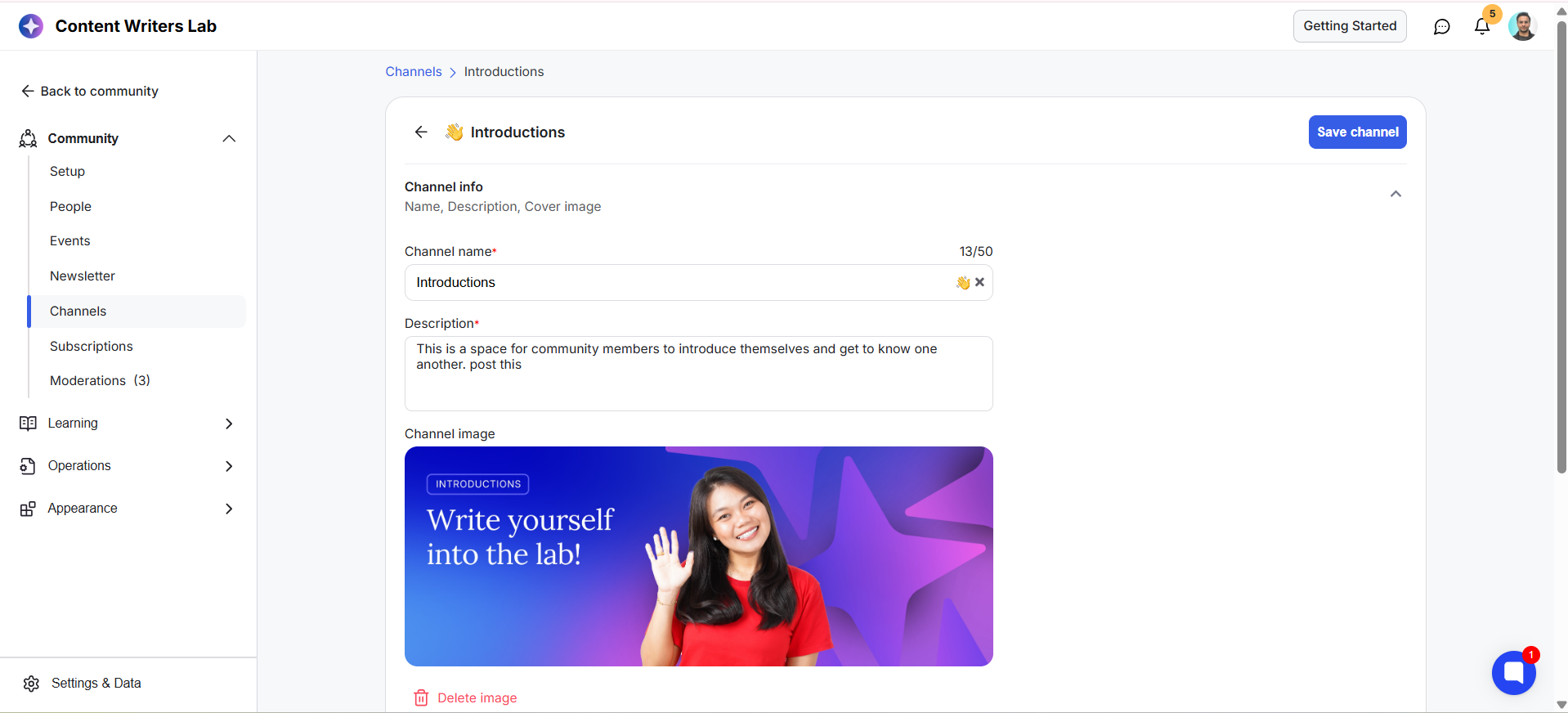
4) Scroll down to the Settings section.
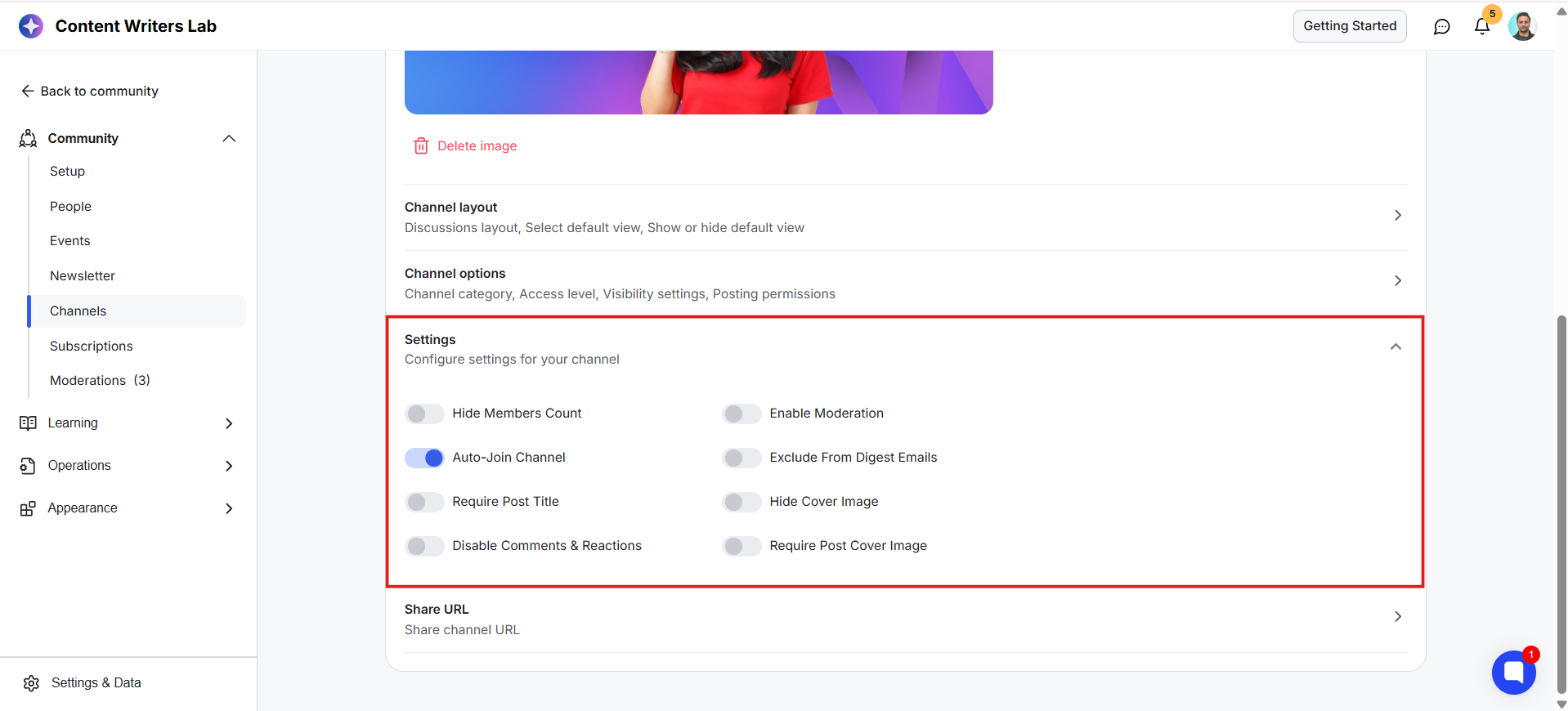
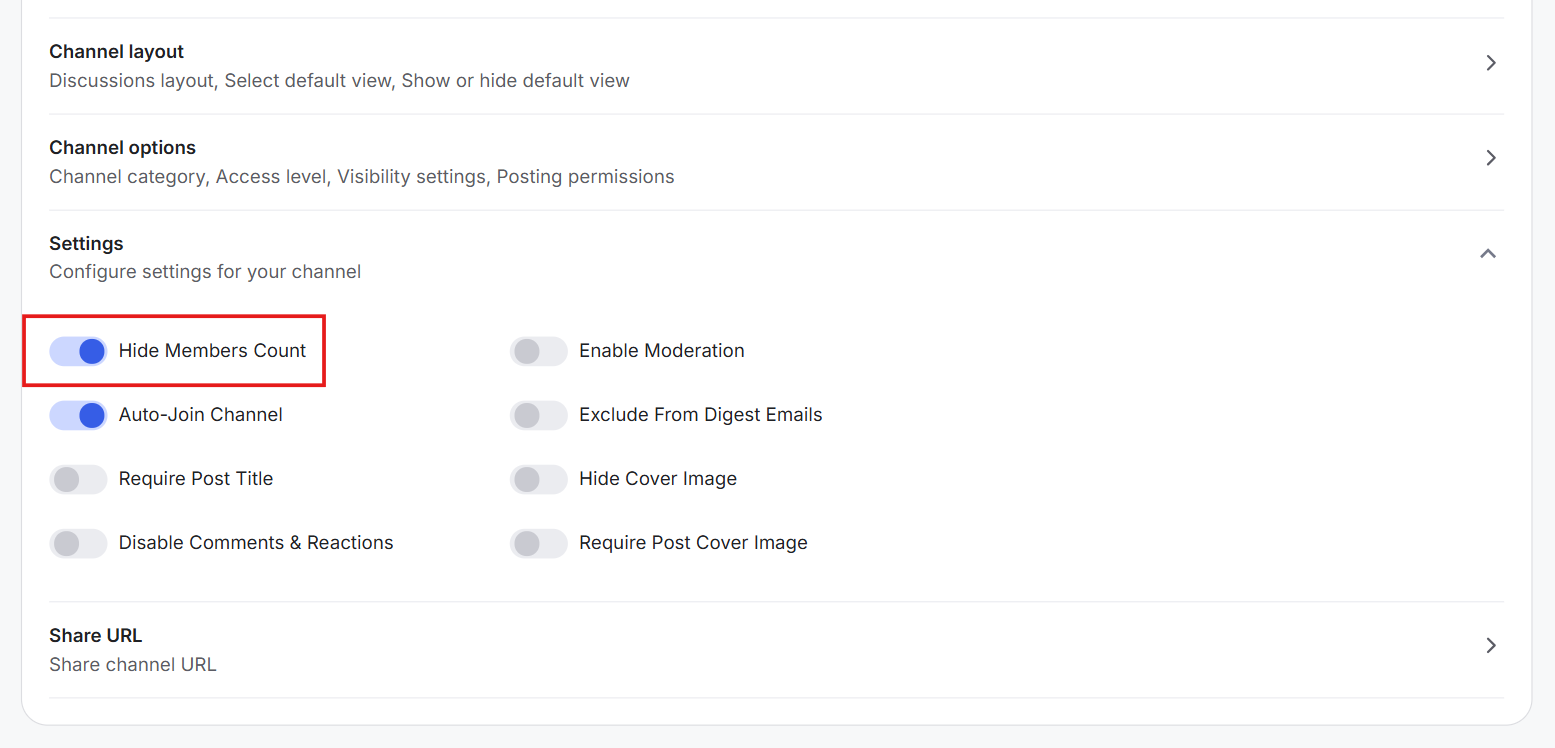
5) Toggle on Hide Member Count.
6) Click on Save Channel.
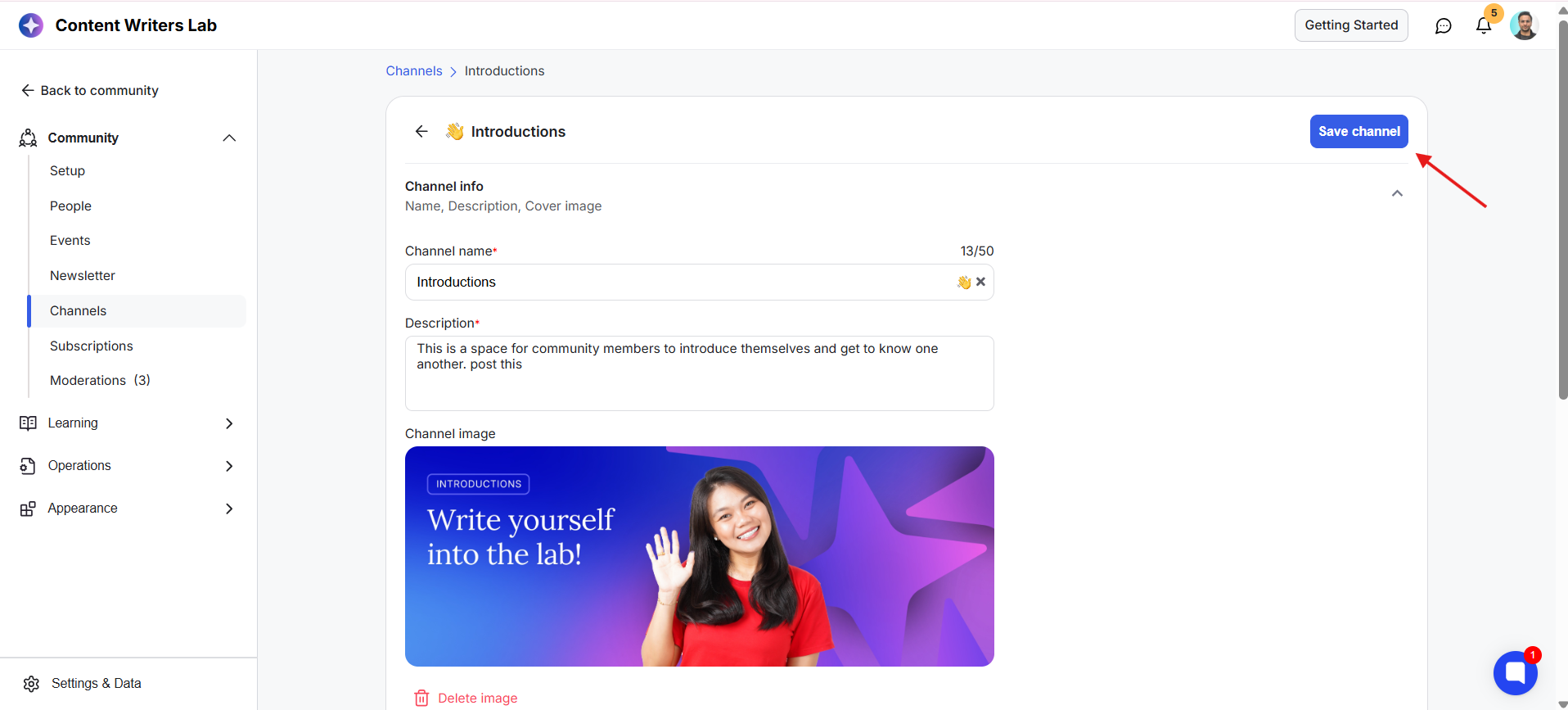
The member count and member profile images will no longer be displayed in the channel's About panel.