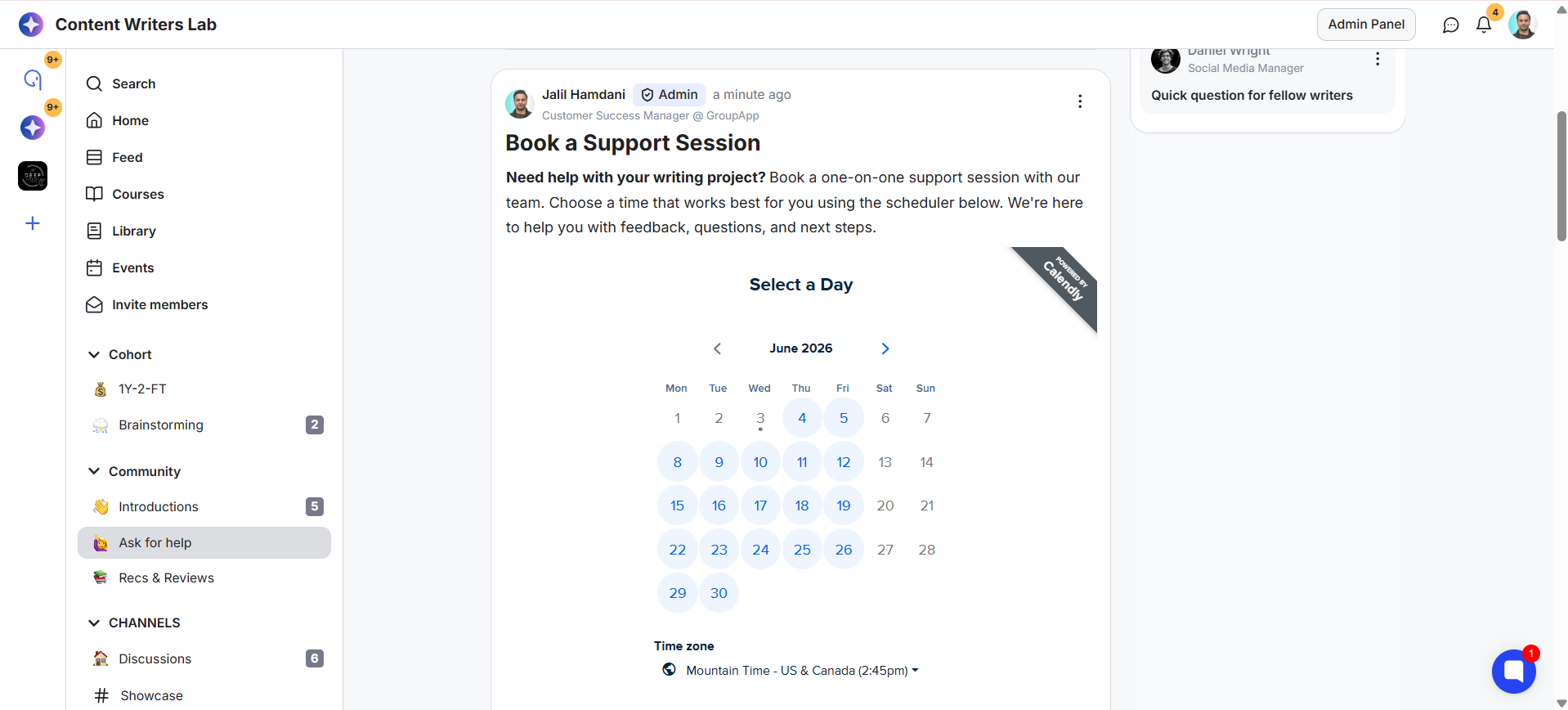
Embedding a Calendly scheduler in a post allows members to book appointments without leaving your community.
You can even create a dedicated scheduling channel and make it admin-only to create your own booking system inside the community. If you're adding the scheduler to a regular channel, it's a good idea to pin the post so members can easily find and access it.
Before you begin, make sure you have connected Calendly to your community. Follow this guide to learn more:
Calendly Integration
Learn how to integrate your Calendly account to your GroupApp community
Here’s how to set up:
1) Go to the feed or channel where you want to create the scheduler post. Click on the Post Editor to create a new post.
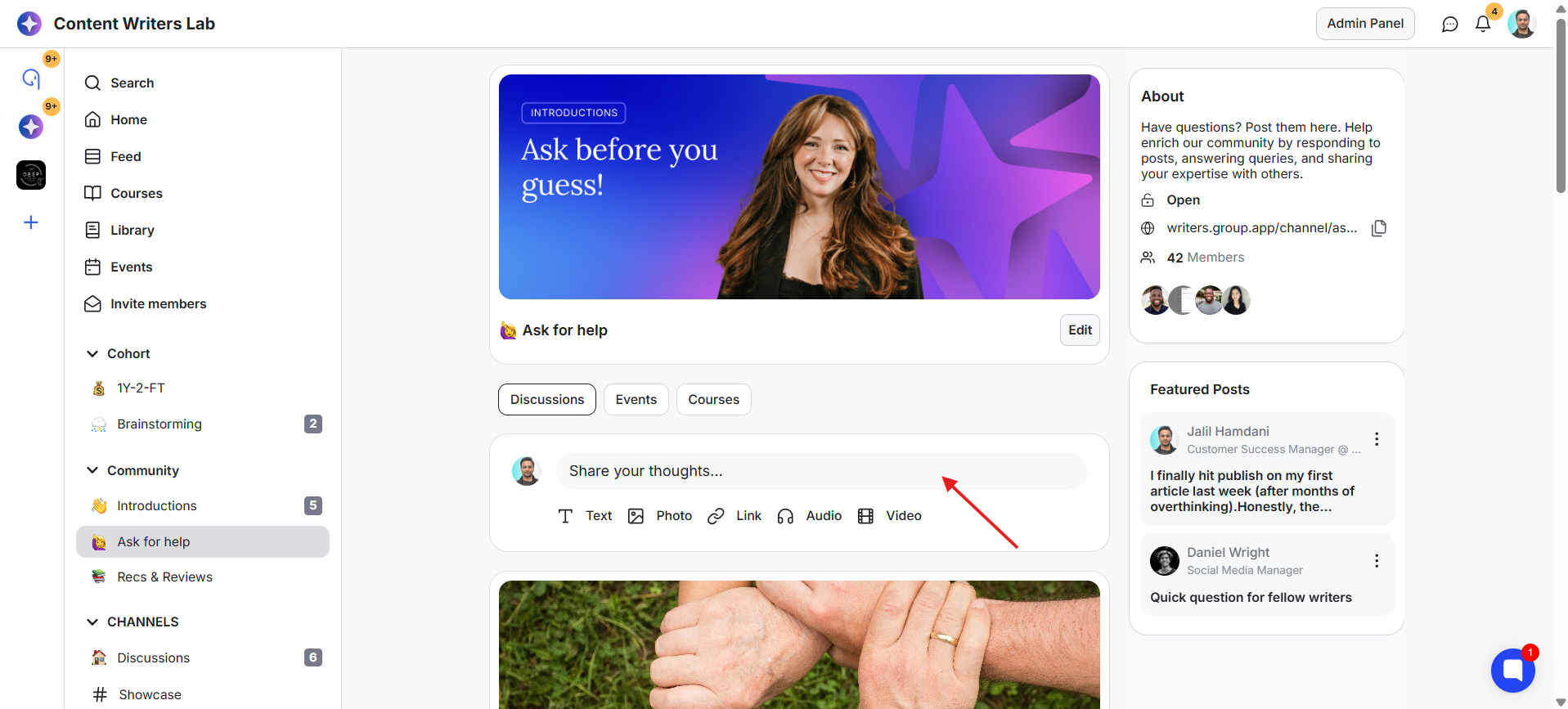
2) Add a post title and content. You can also add a post cover image if you want to.
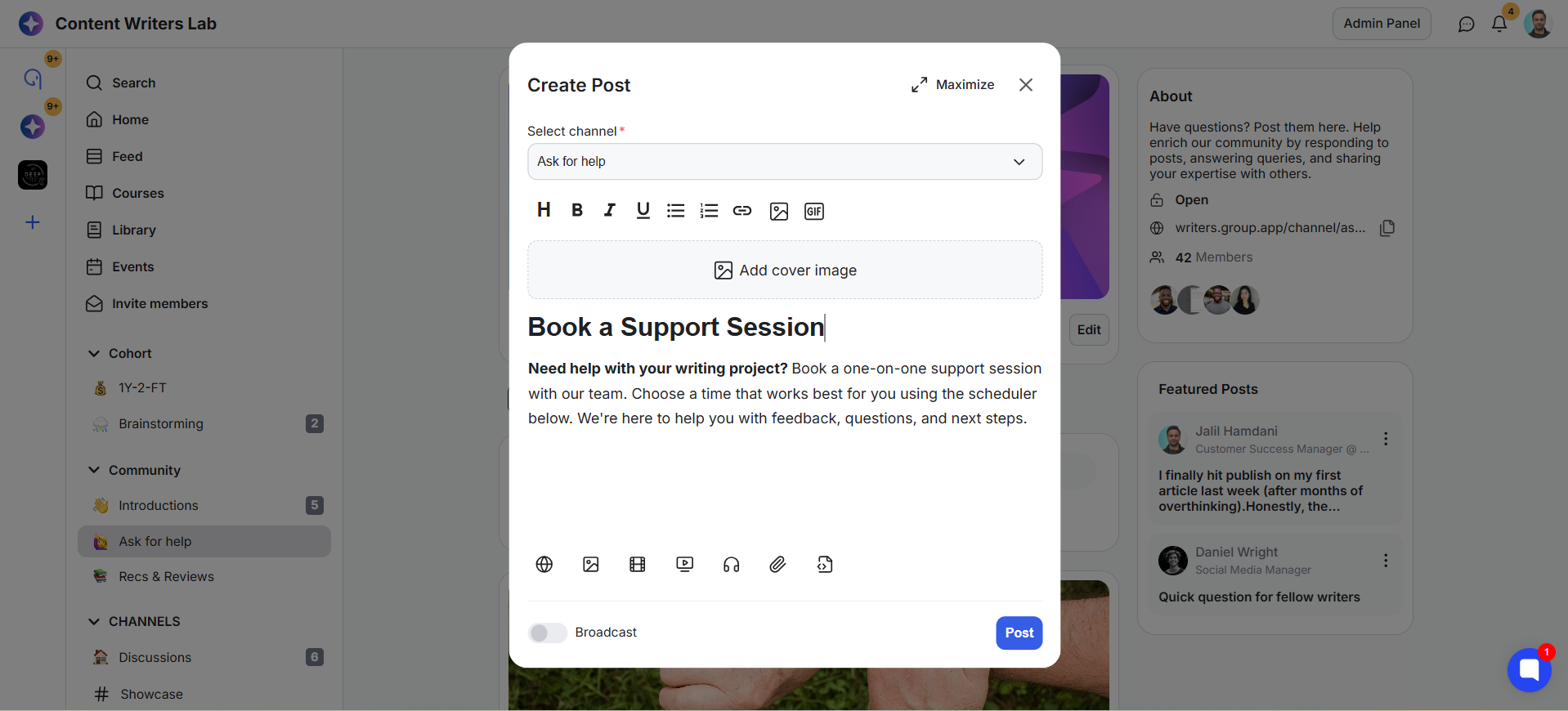
3) Click the Embed option.
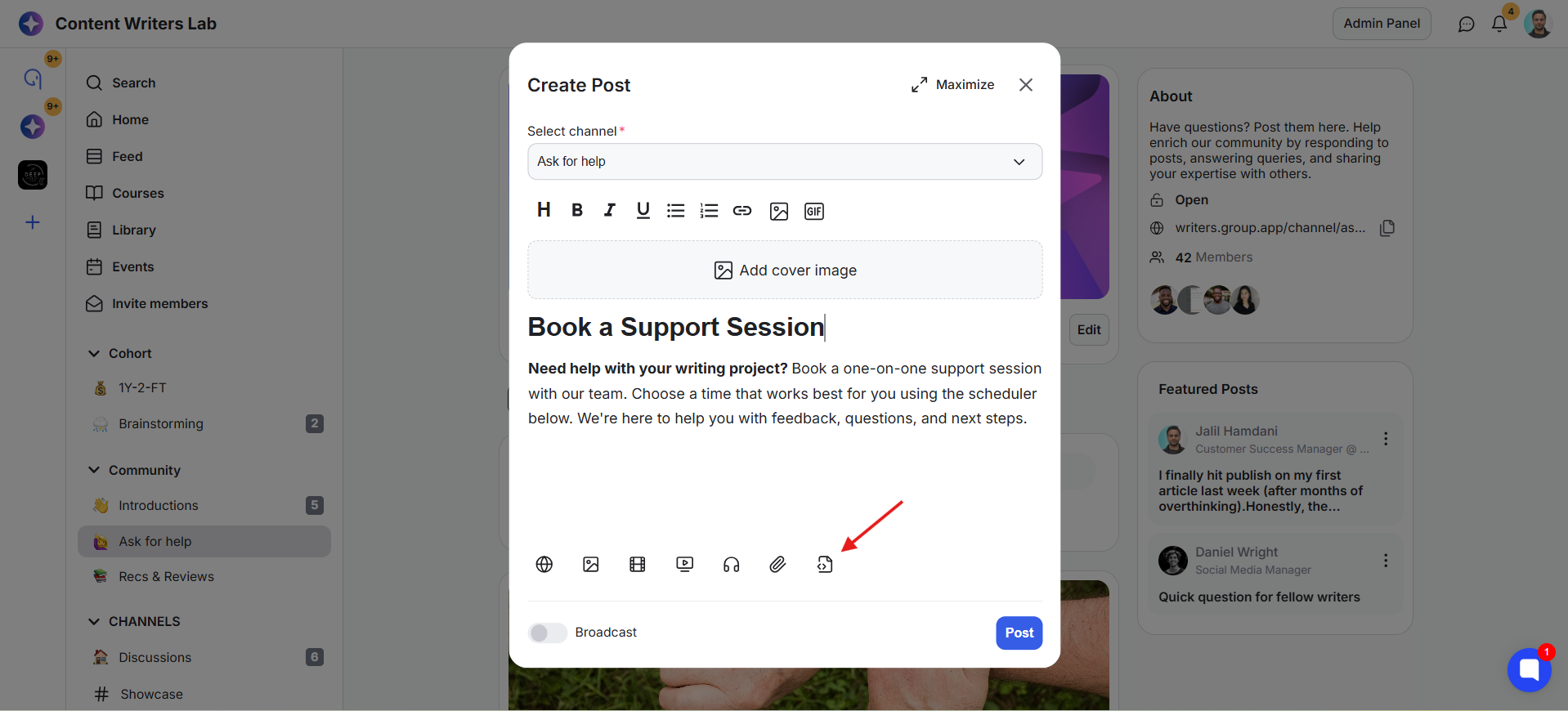
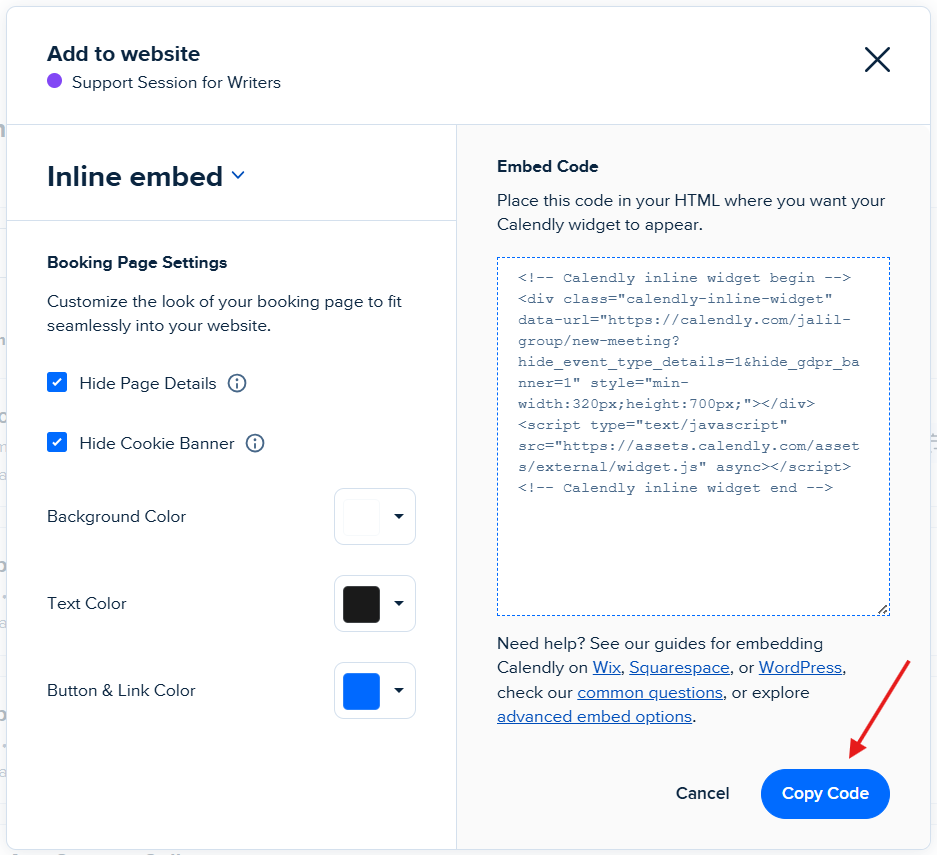
4) In Calendly, copy the embed code for the event you want members to book.
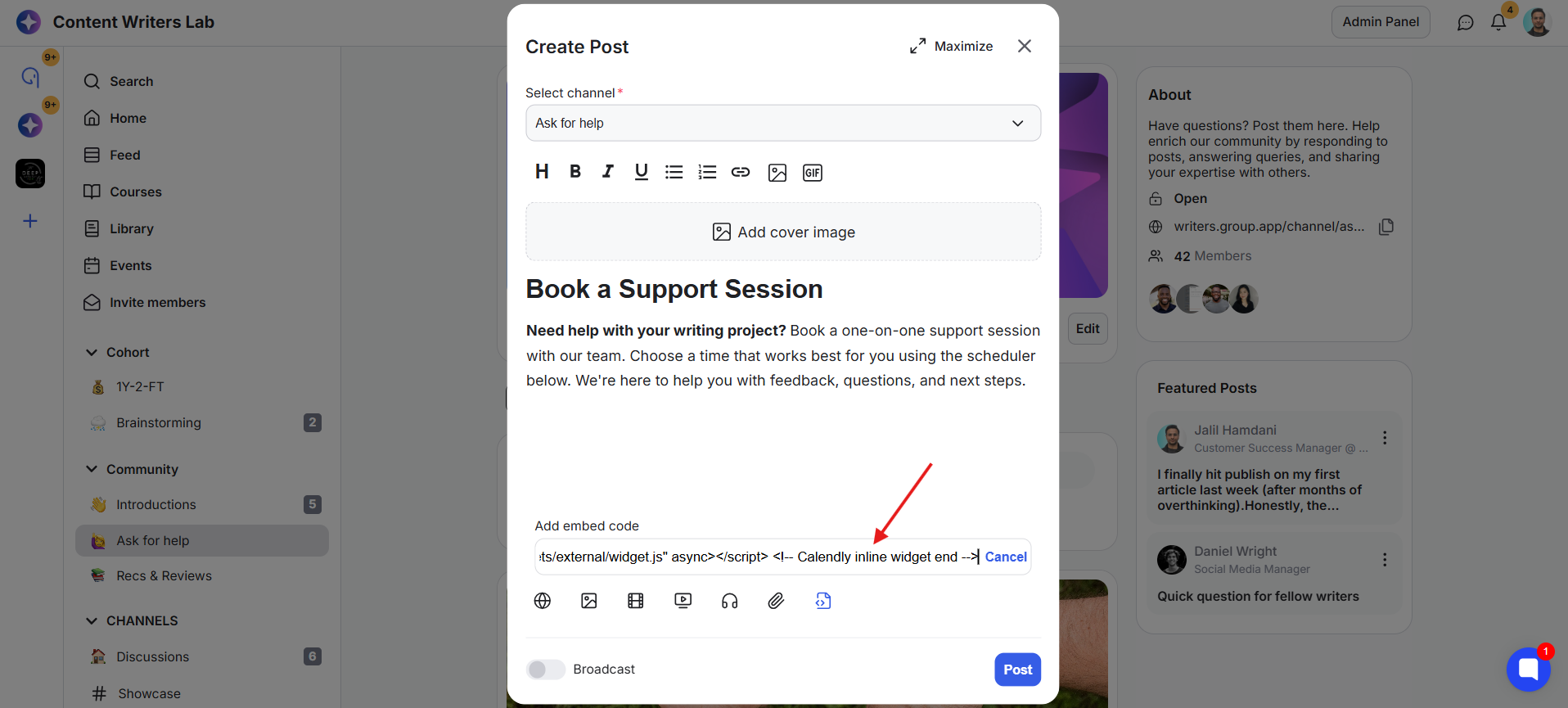
5) Paste the embed code into the field.
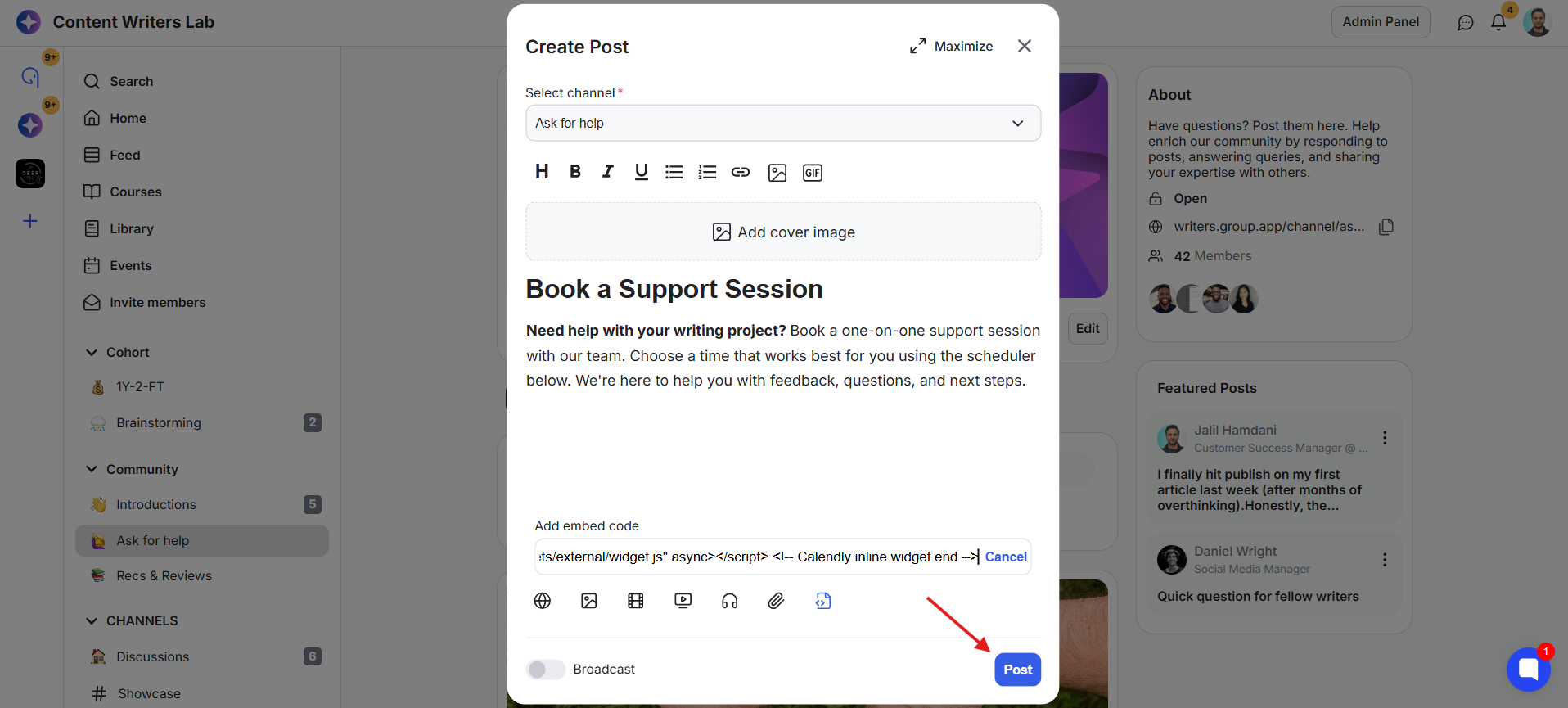
6) Click Post.
7) The Calendly scheduler will now appear directly on the post. Members can view available time slots and complete the entire booking process without leaving the community.