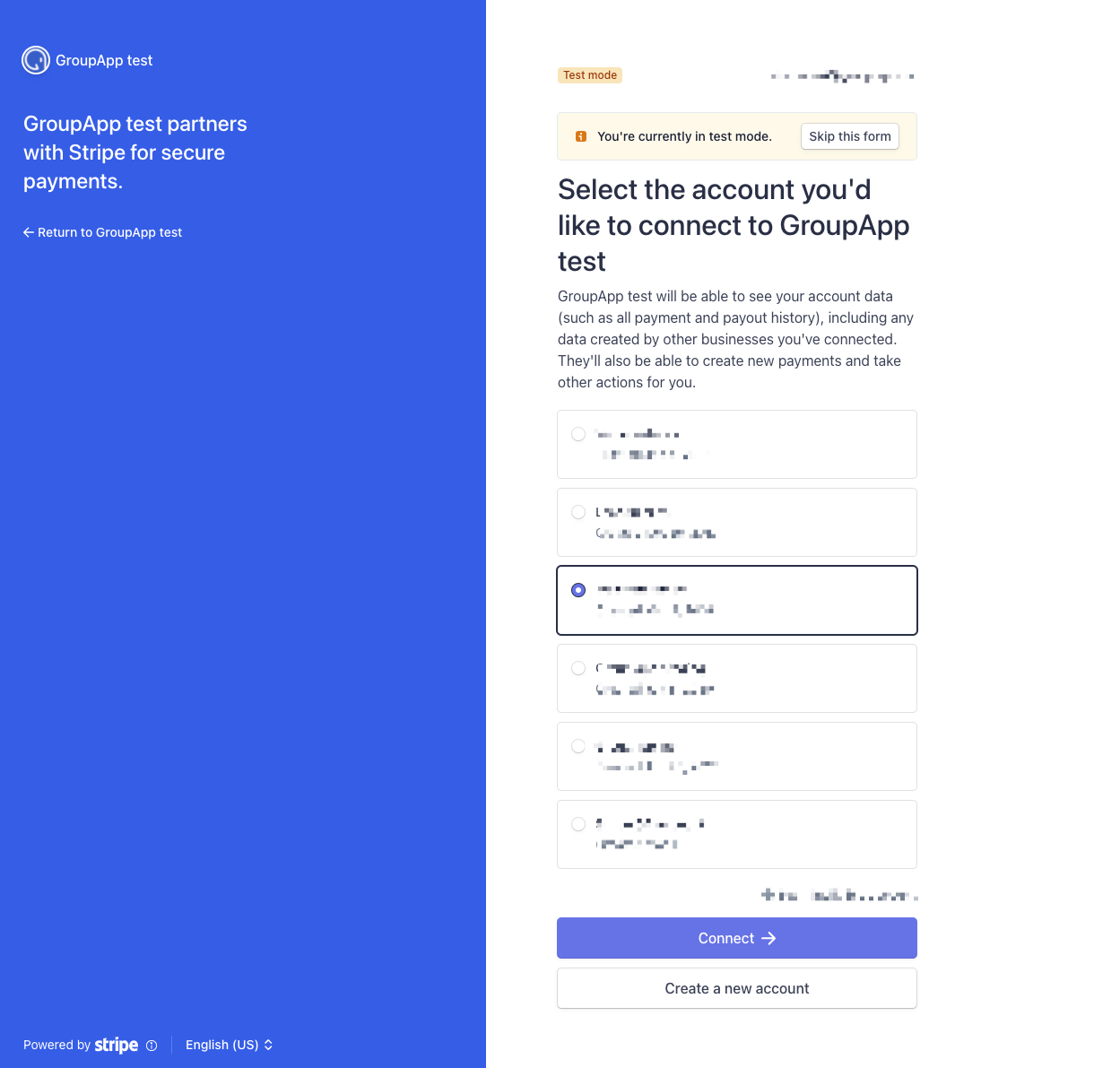
Connecting Stripe allows you to accept payments for your products, memberships, and offers. A Stripe integration is required to create and sell paid subscriptions and to use the checkout on GroupApp.
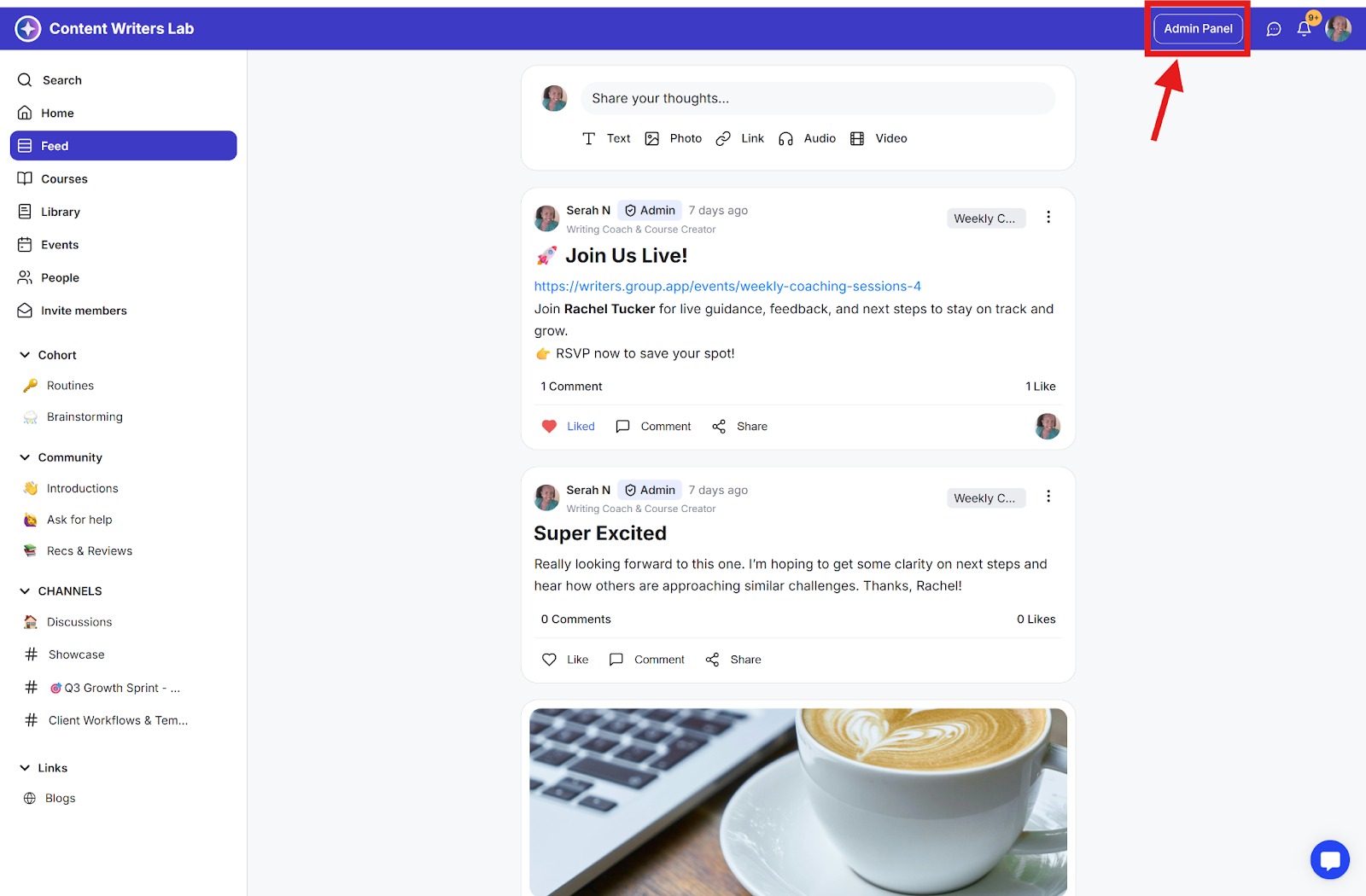
1) Go to the Admin Panel.
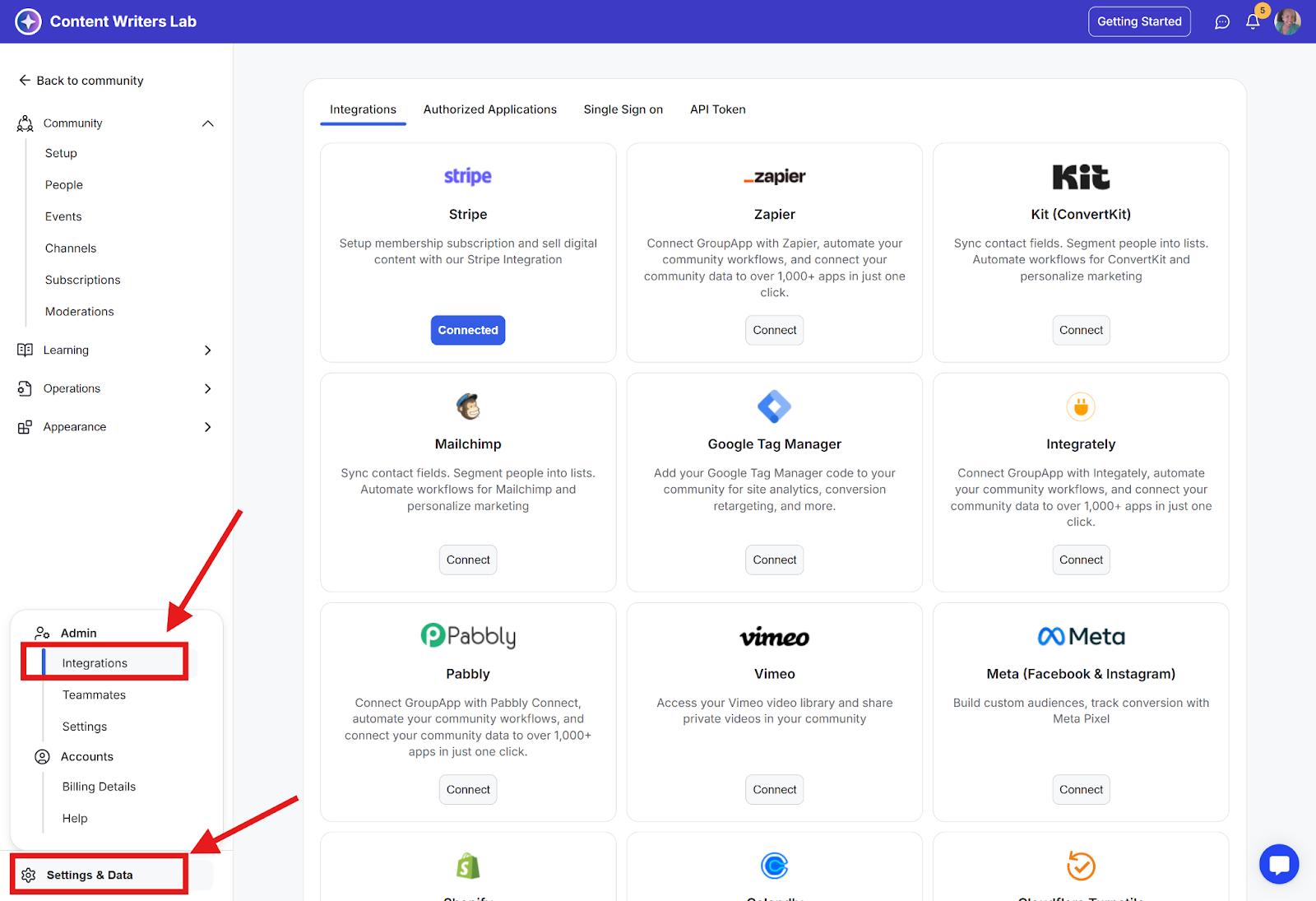
2) Click on Settings & Data on the bottom-left of your Admin Panel. Next, select Integrations to open the Integrations Dashboard,
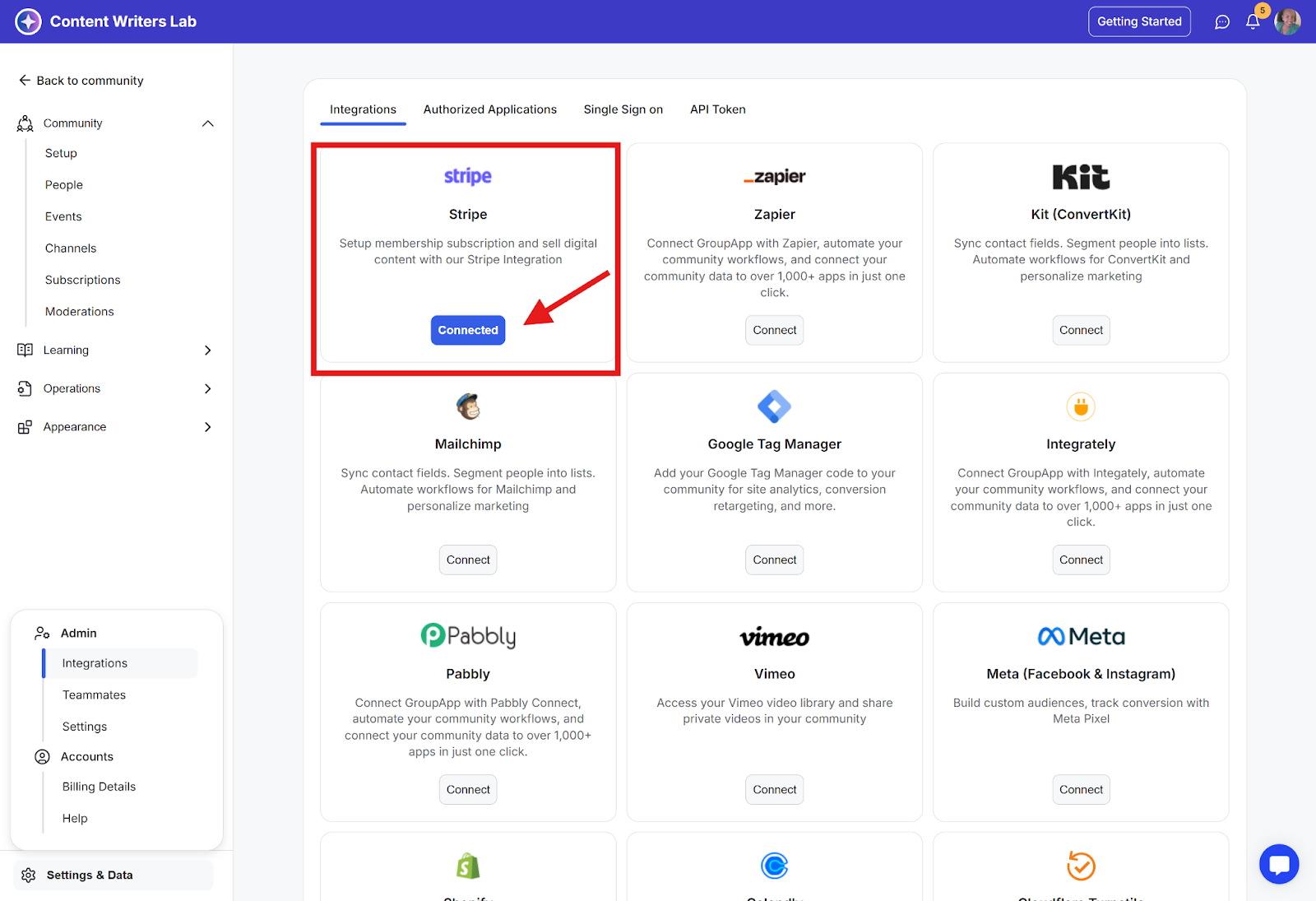
3) Find Stripe integration and click Connect.
4) When you click on Connect with Stripe, you will be taken to a new window where you must connect your Stripe account or create a new Stripe account. Follow the setup steps on the page and connect your Stripe Account with GroupApp.