The Newsletter feature in GroupApp is a built-in publishing layer that lets you create, publish, and distribute long-form content directly from your community. It’s designed to help you deliver ongoing value without relying on courses, coaching, or high-effort programs. This feature is only available to users of the Scale and Organization Plans.
Instead of waiting to build a full content library or structured program, you can start publishing immediately. You can share content publicly, restrict it to members, or offer it to subscribers, and optionally send it as an email.
This keeps your content, audience, and community in one place. You’re not splitting your workflow across external tools or sending people away from your ecosystem. In simple terms, it gives you a faster way to launch, stay consistent, and keep your community active from day one.
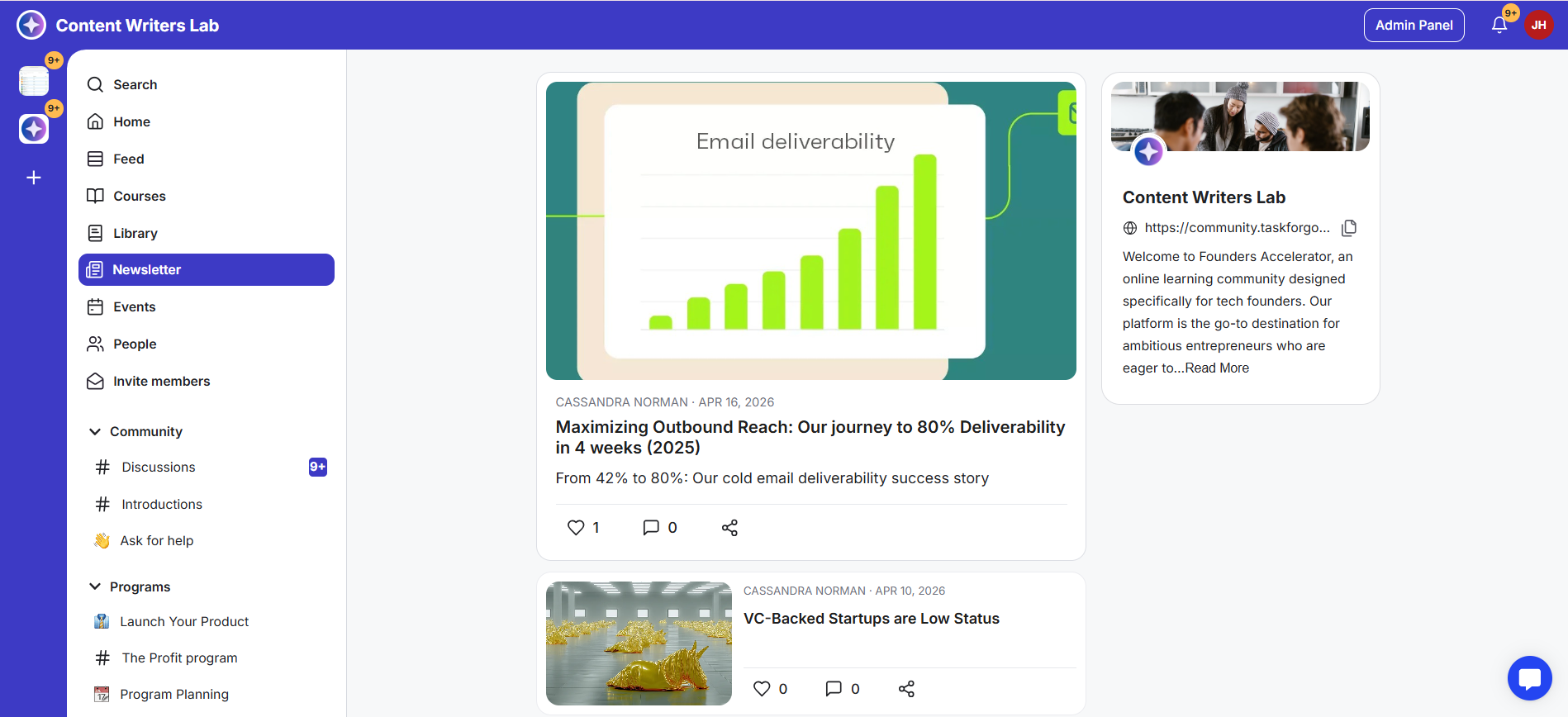
Newsletters have their own dedicated tab in your community, similar to the Courses and Library tabs.
Members can access newsletters based on their visibility settings. Inside each newsletter, they can read, like, comment, and share the post.
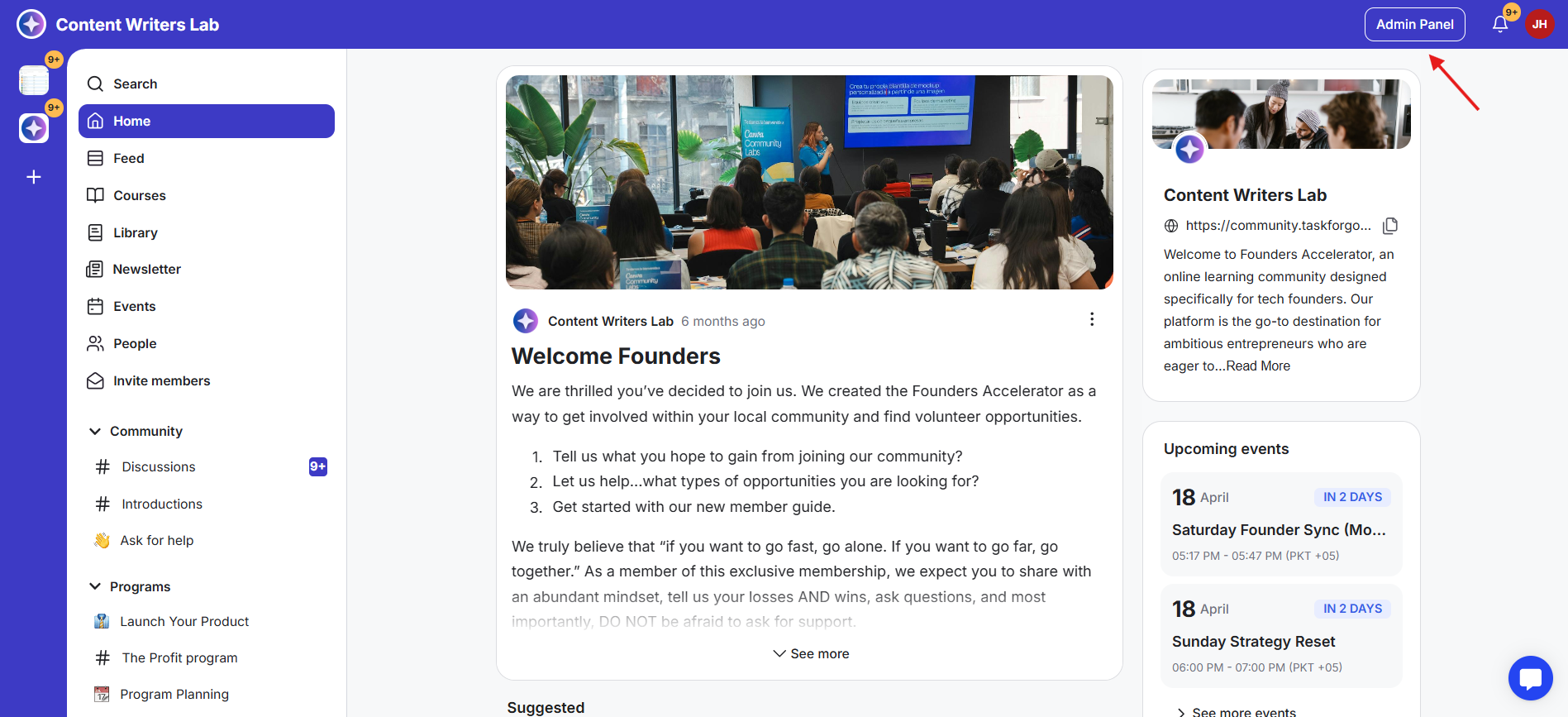
1) Go to the Admin Panel of your community.
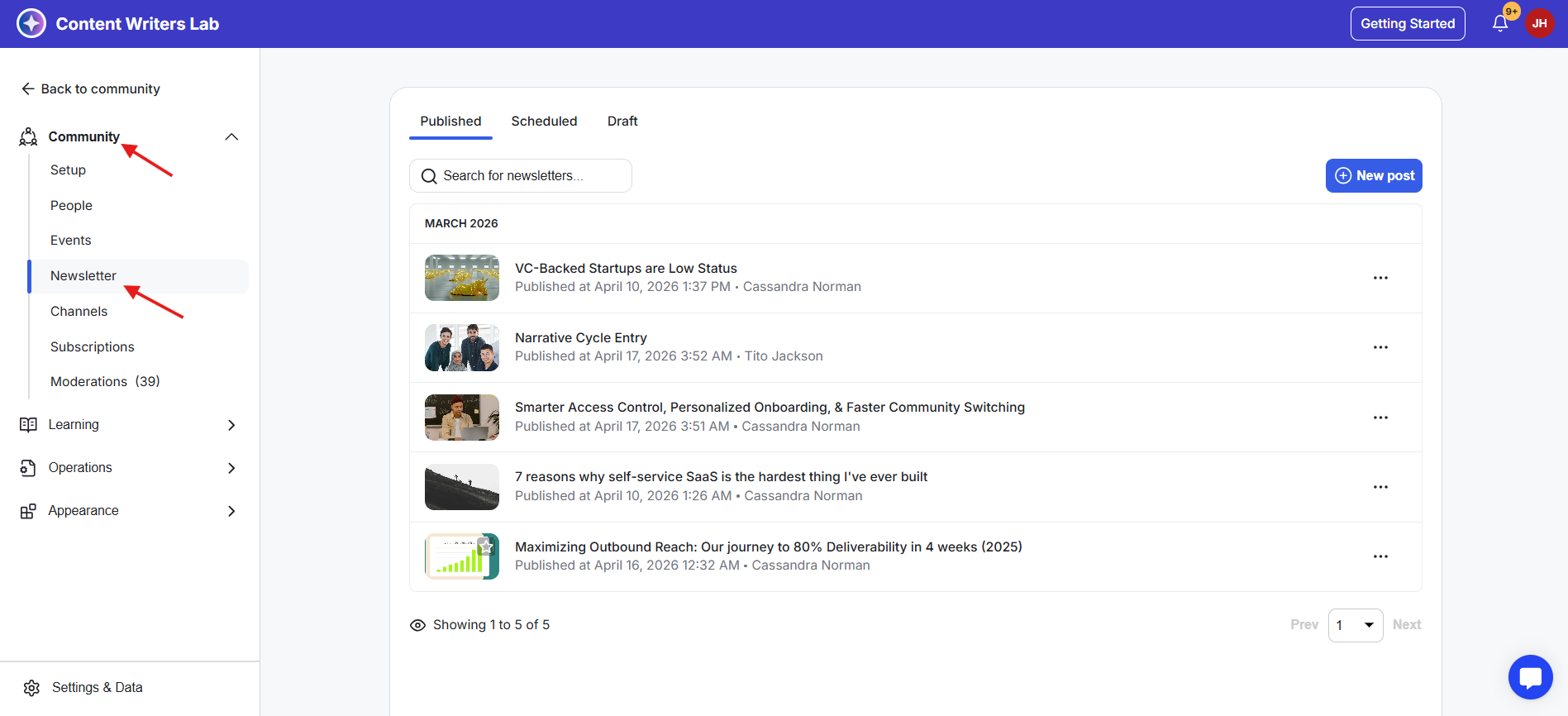
2) From the left menu, click on Community, then select Newsletter from the dropdown.
3) This opens the Newsletter Dashboard. You’ll see three tabs: Published for live newsletters, Scheduled for newsletters set to go live later, and Drafts for newsletters you’re still working on.
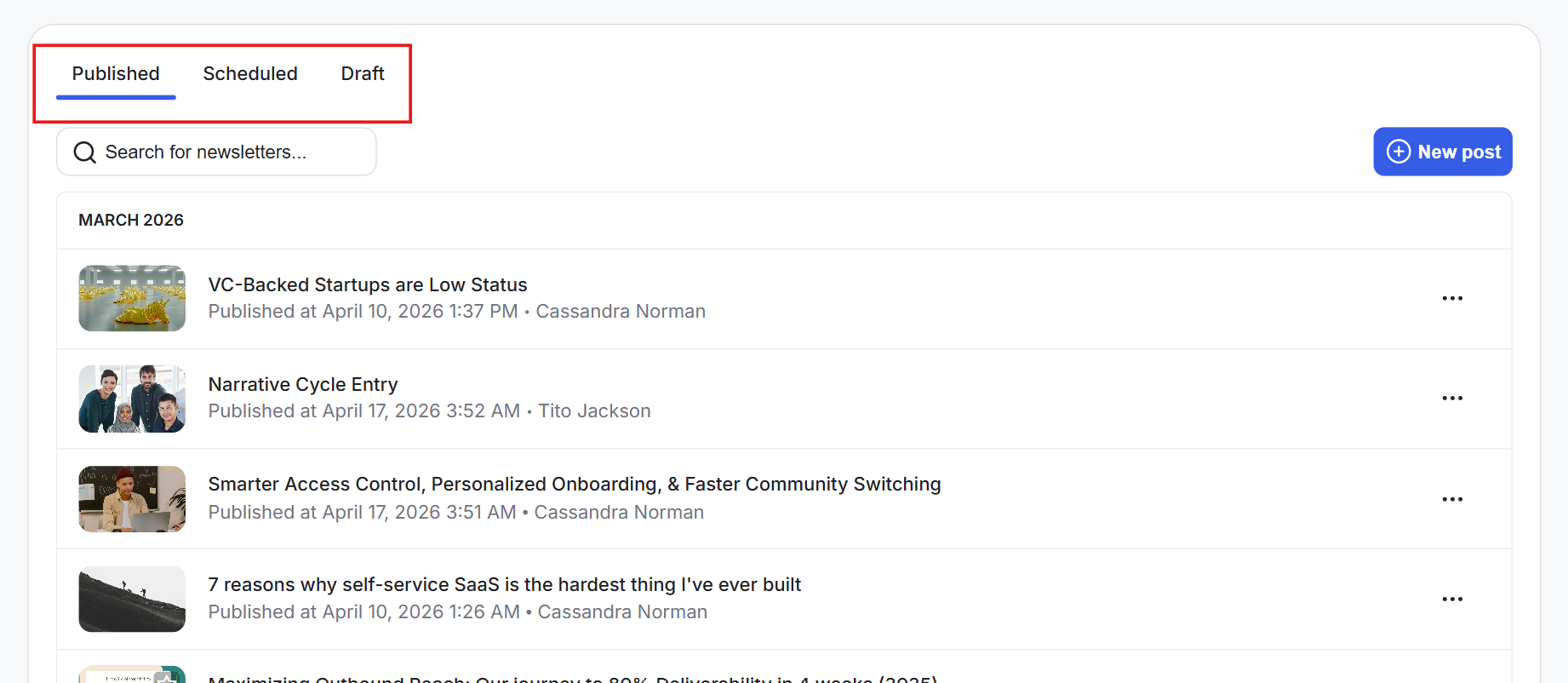
4) From this dashboard, you can view, edit, publish, duplicate, unpublish, feature, or delete a newsletter using the three-dot menu on each post.
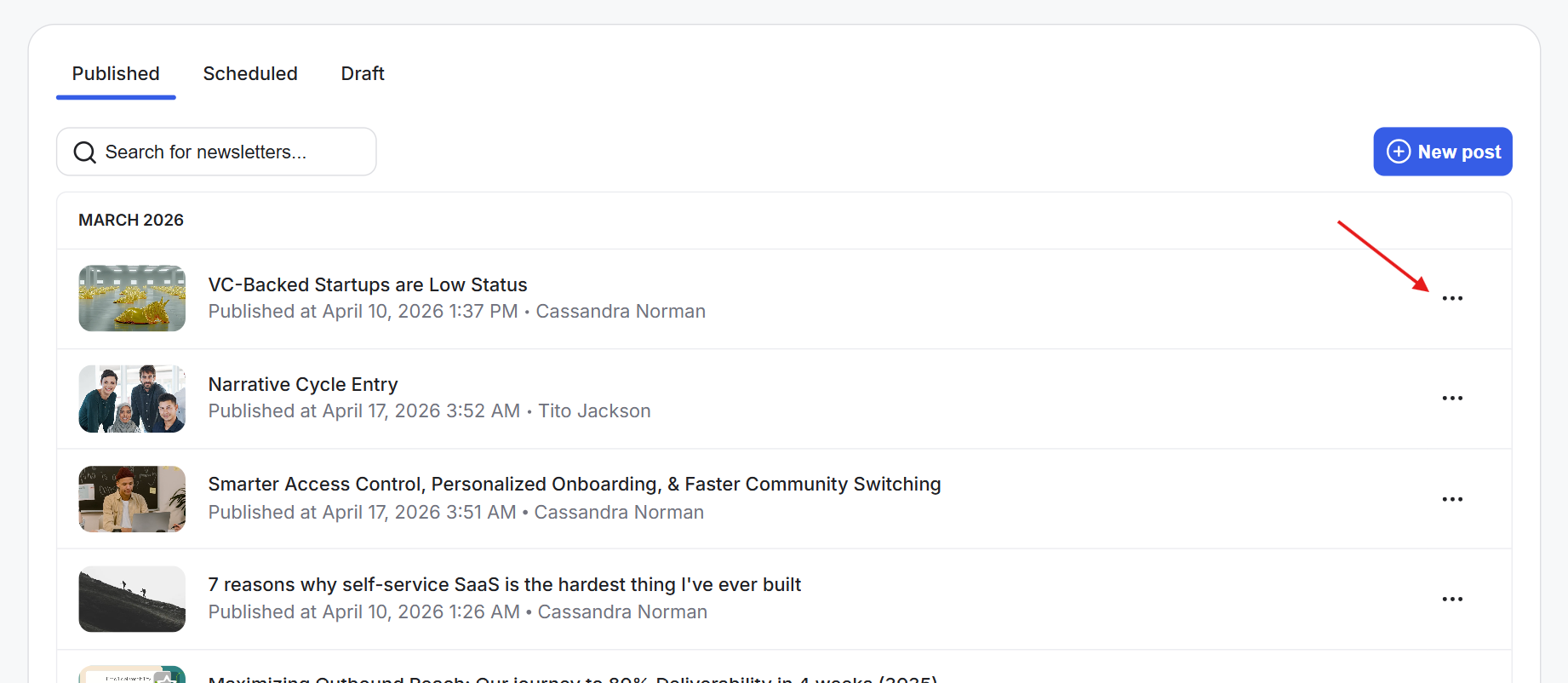
1) Click the + New Post button at the top-right to create a new newsletter.
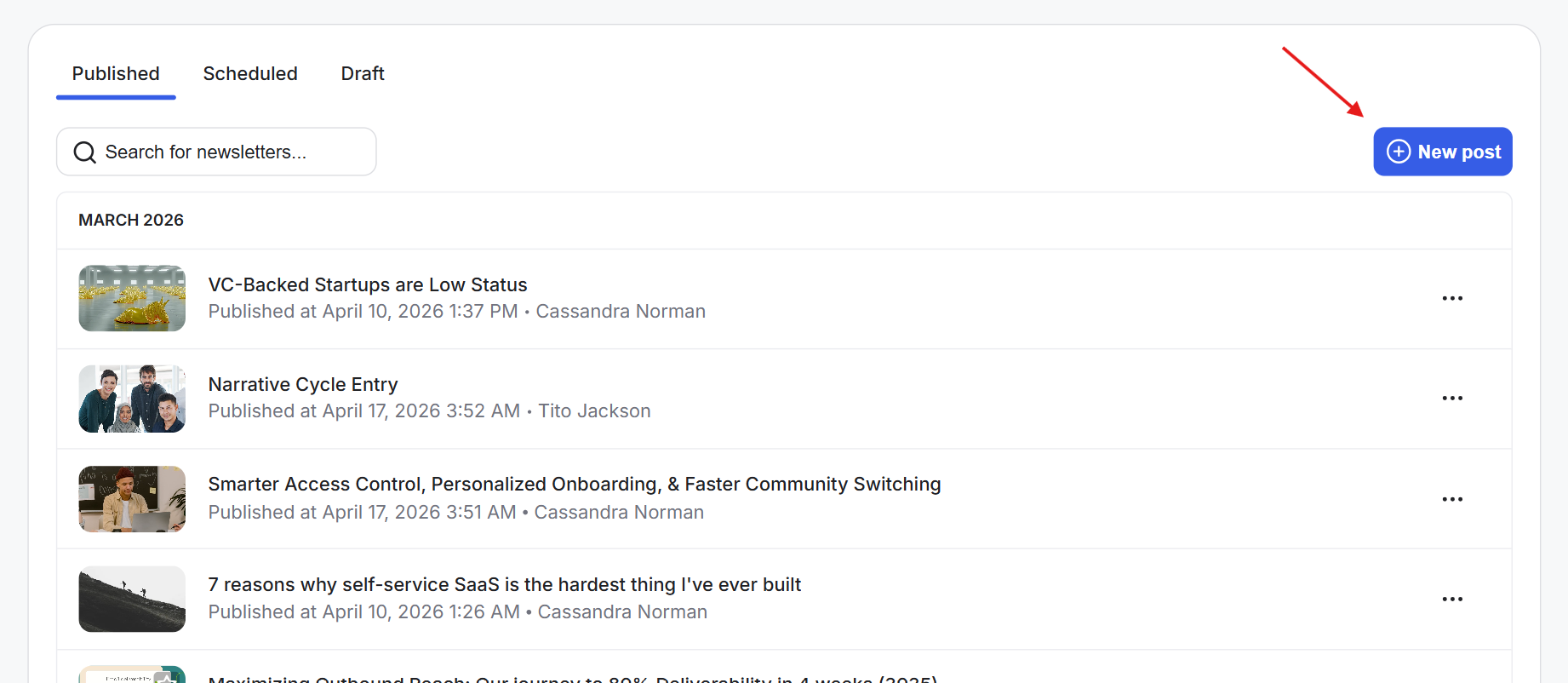
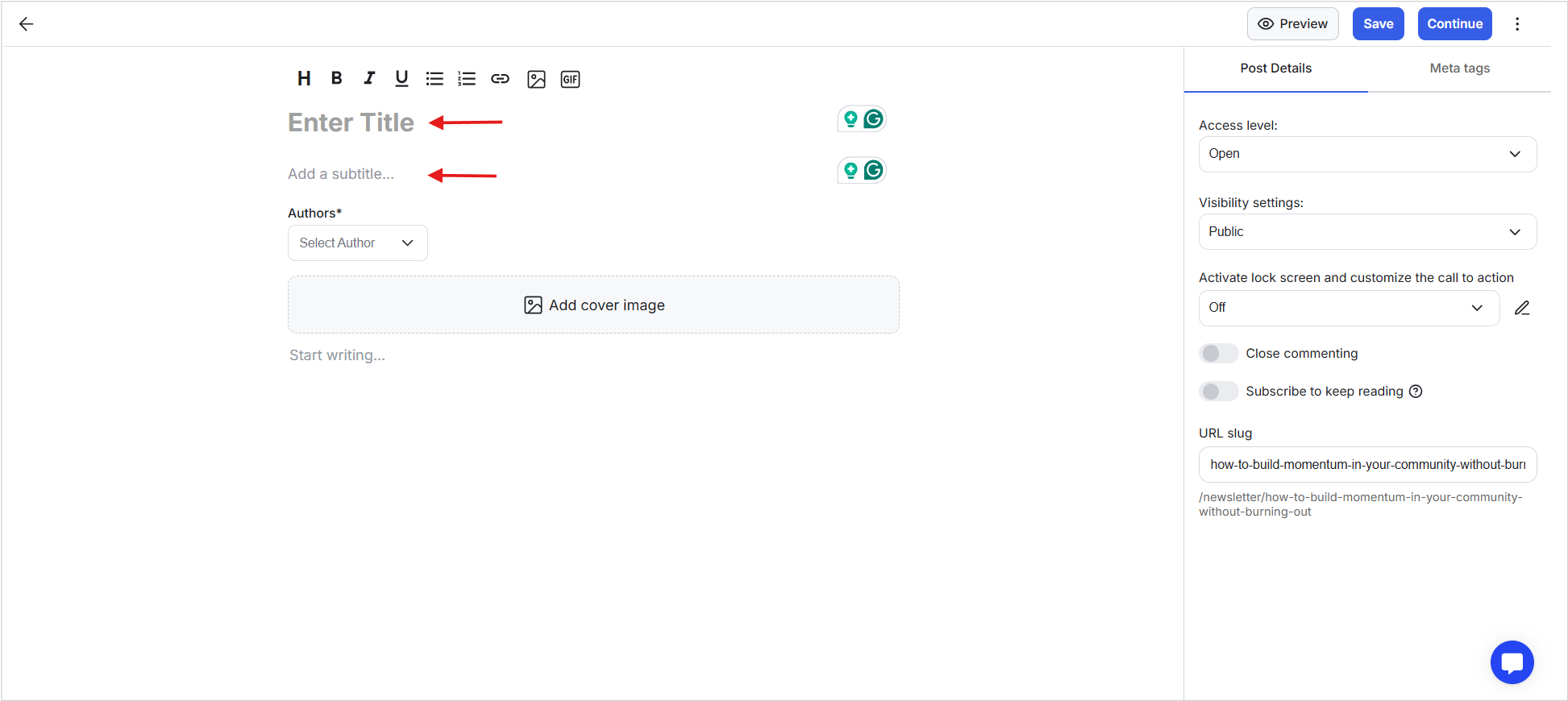
2) This opens the Newsletter Editor, where you can create and format your post.
3) Enter the Title of your newsletter. Keep it clear and specific so readers immediately understand what it’s about. Add a Subtitle. Use this to give a quick summary or add context to your title.
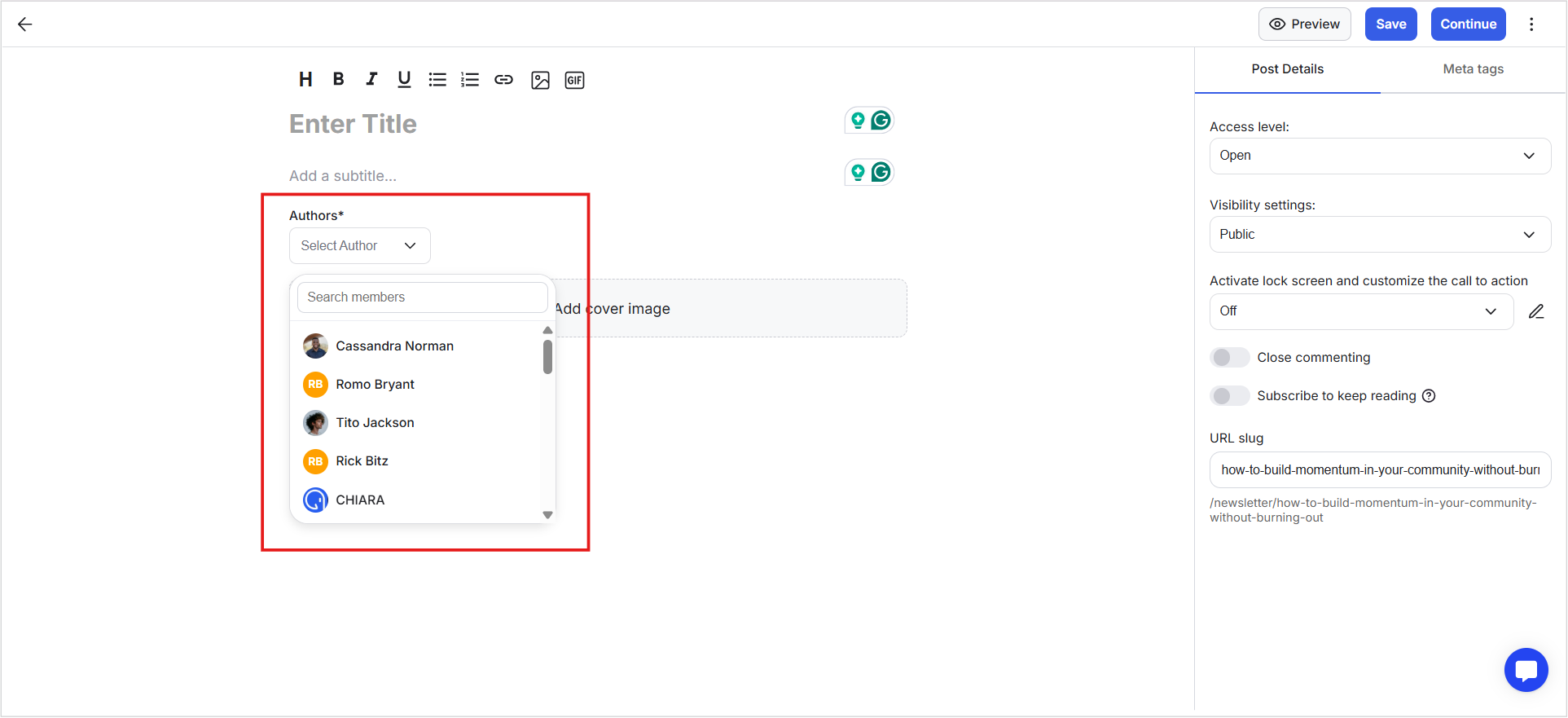
4) Select the Author by clicking the field and choosing from admins or members from the drop-down. You can also search for users. Regular members can also be set as authors.
5) You can add a second author if needed by clicking the + icon next to the first author.
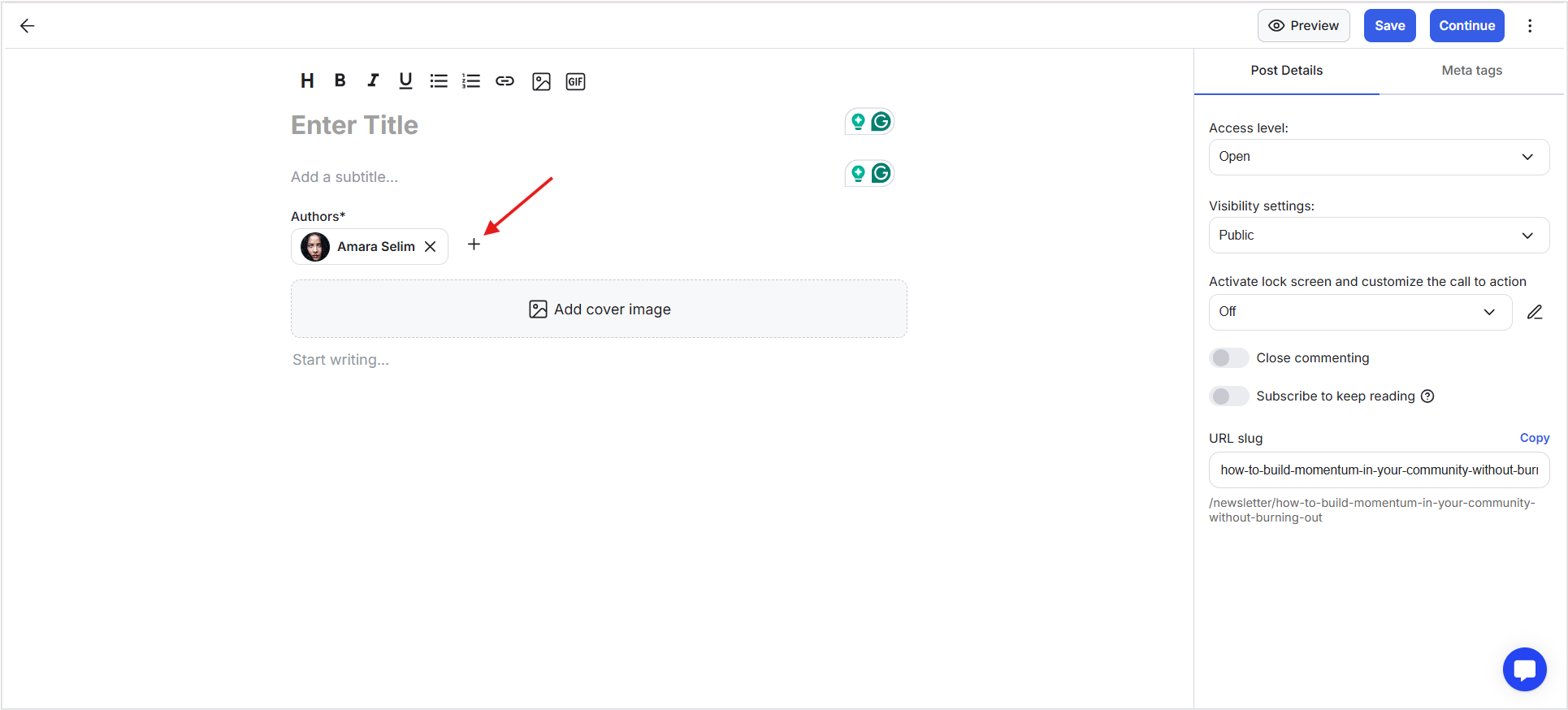
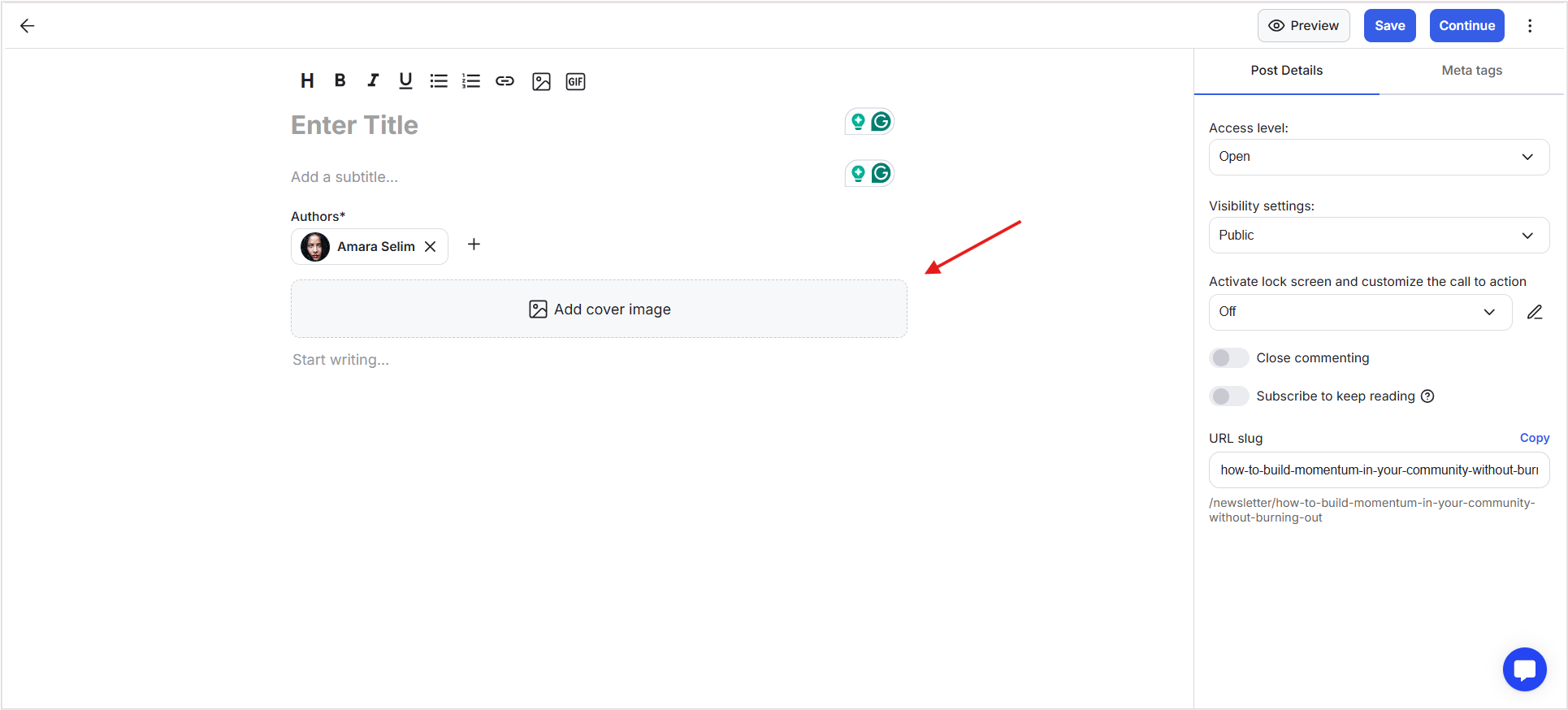
6) Upload a cover image. This image will be shown on the frontend and helps your newsletter stand out.
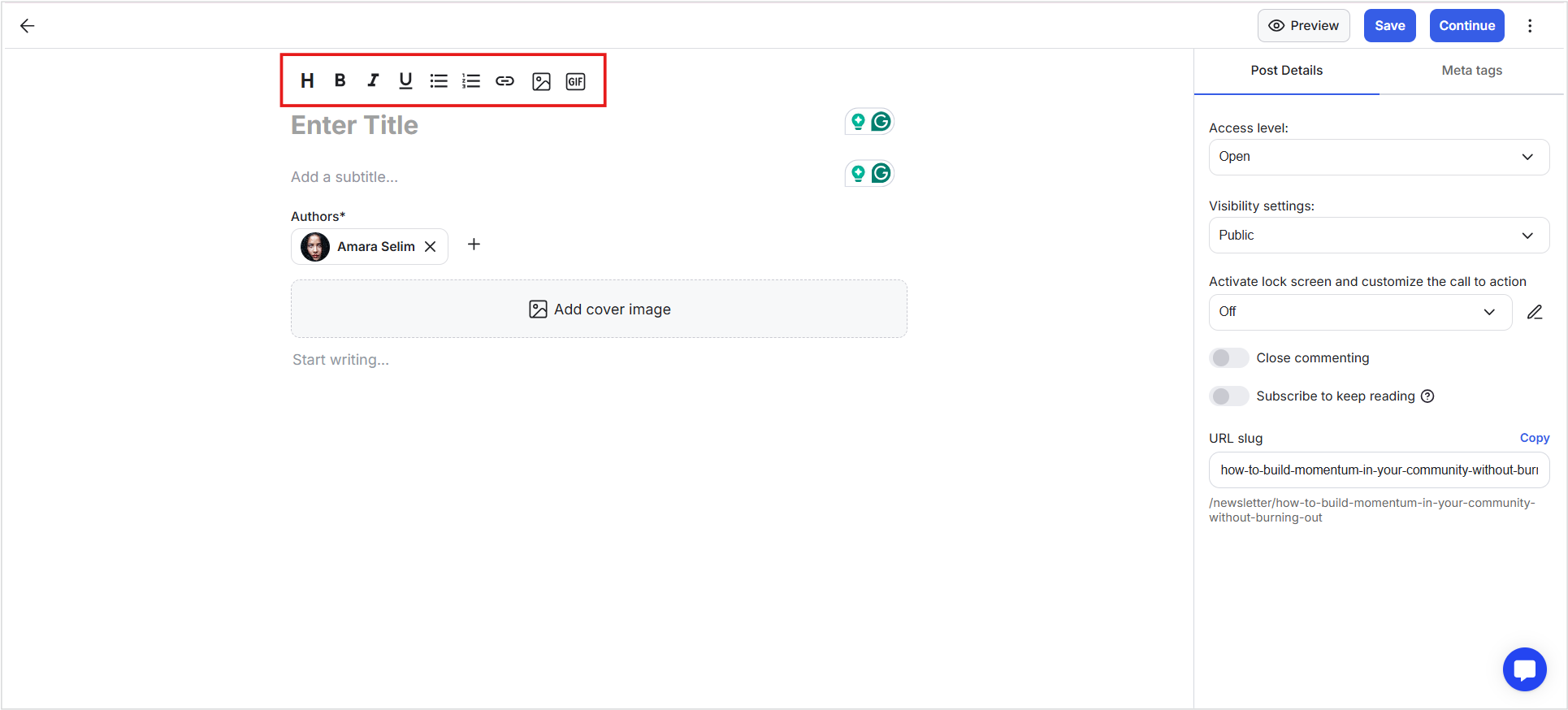
7) Add your content in the editor and use the formatting options to structure and format your post. You can also insert images.
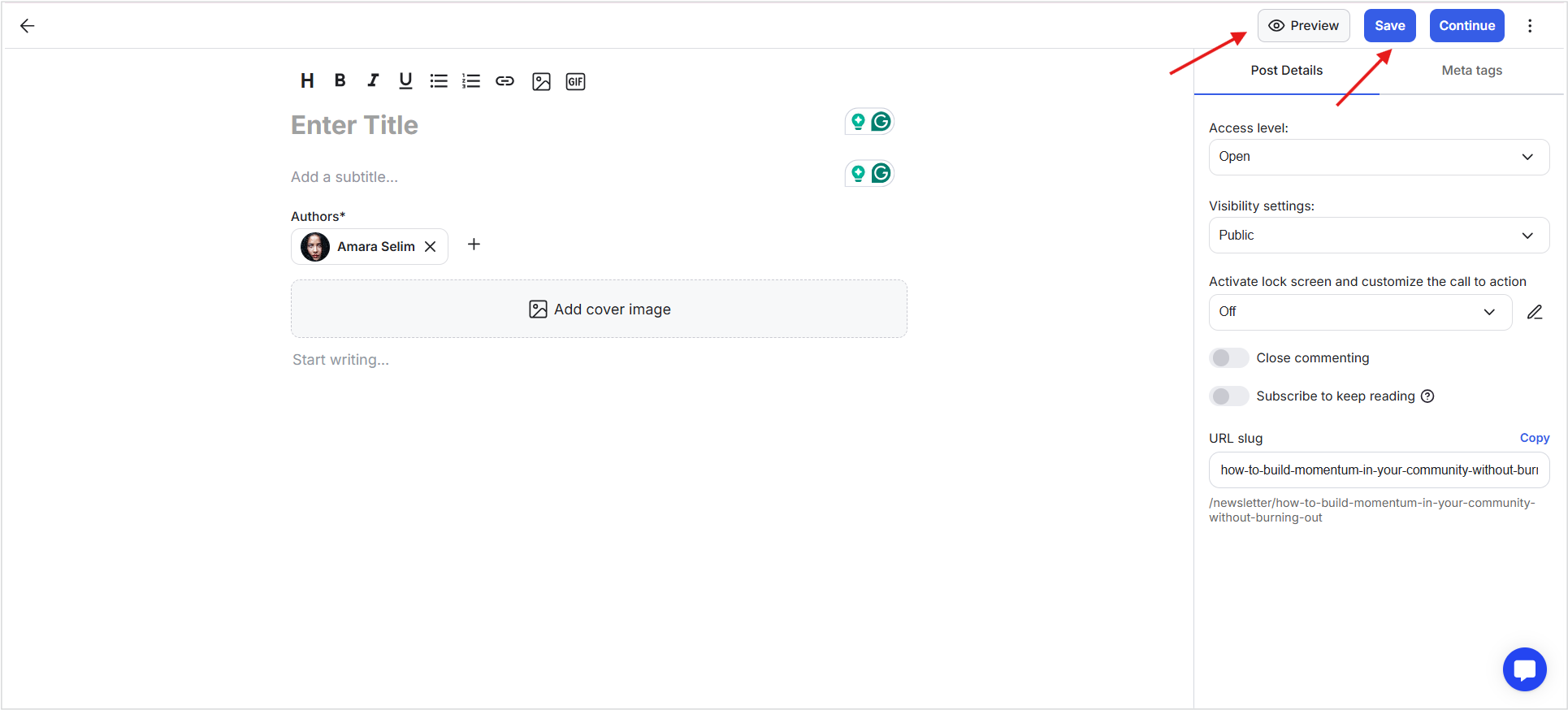
8) At any point, click Save in the top bar to save your progress and continue later. Click Preview to open a full preview of your newsletter in a new tab.
9) If you want to delete the newsletter at any point, use the three-dot menu and select delete.
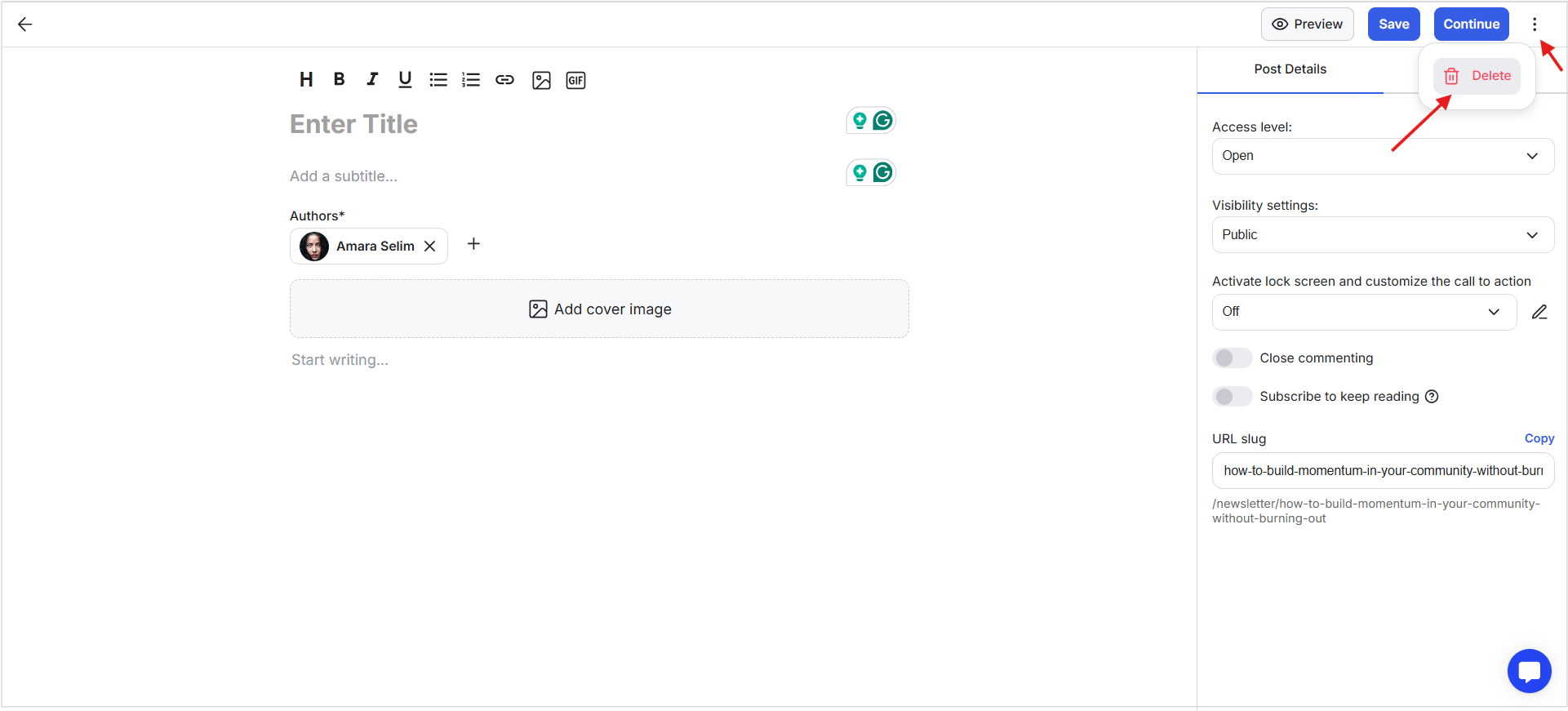
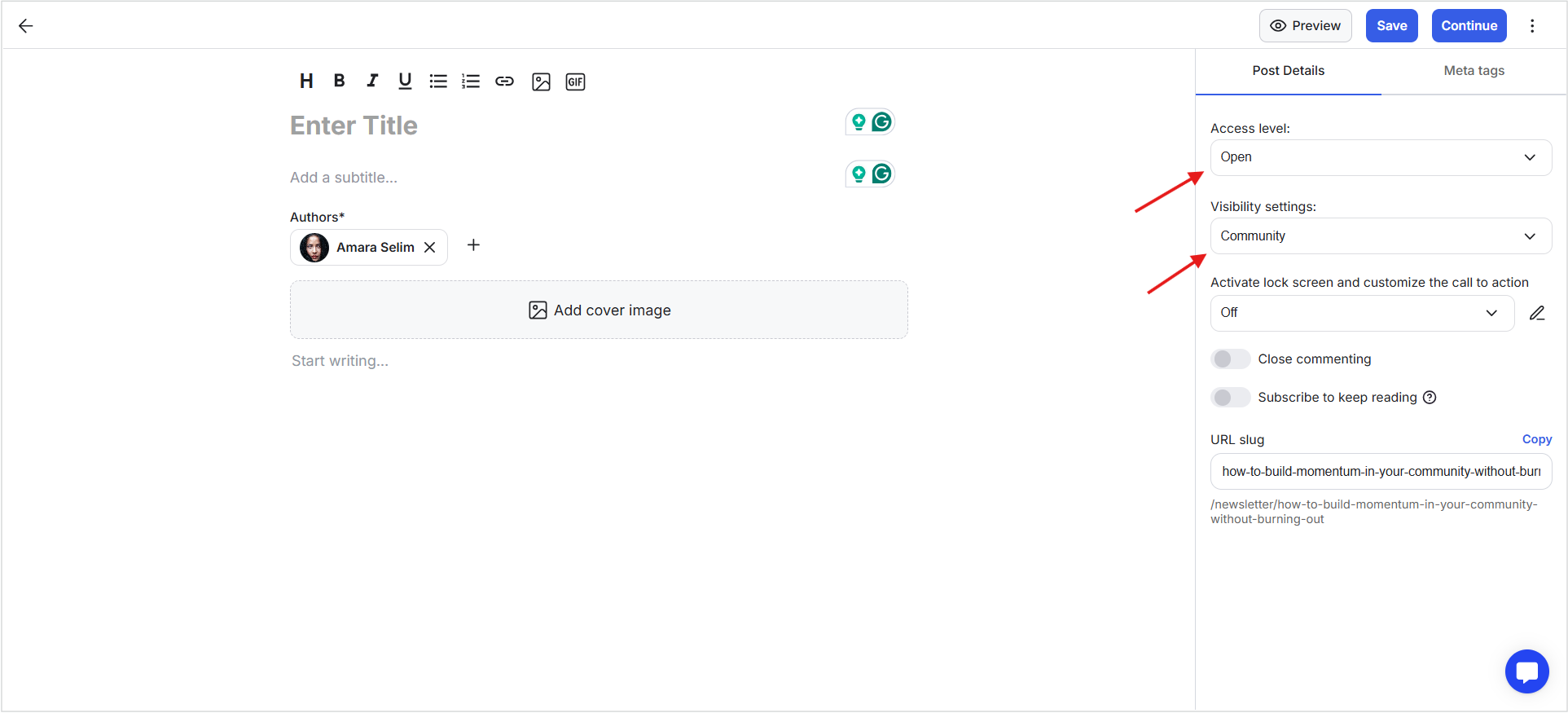
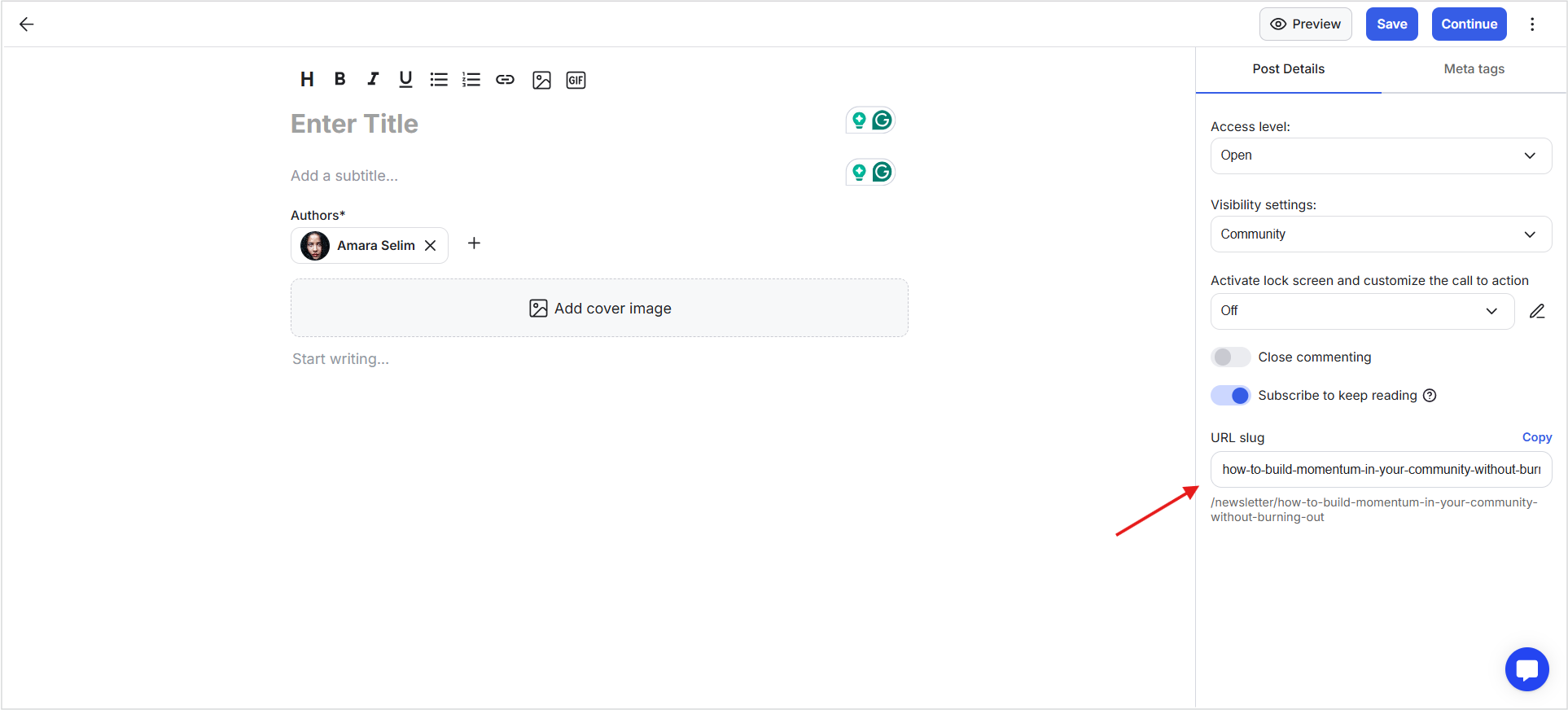
1) On the right-side panel, set Access and Visibility to control who can view the newsletter.
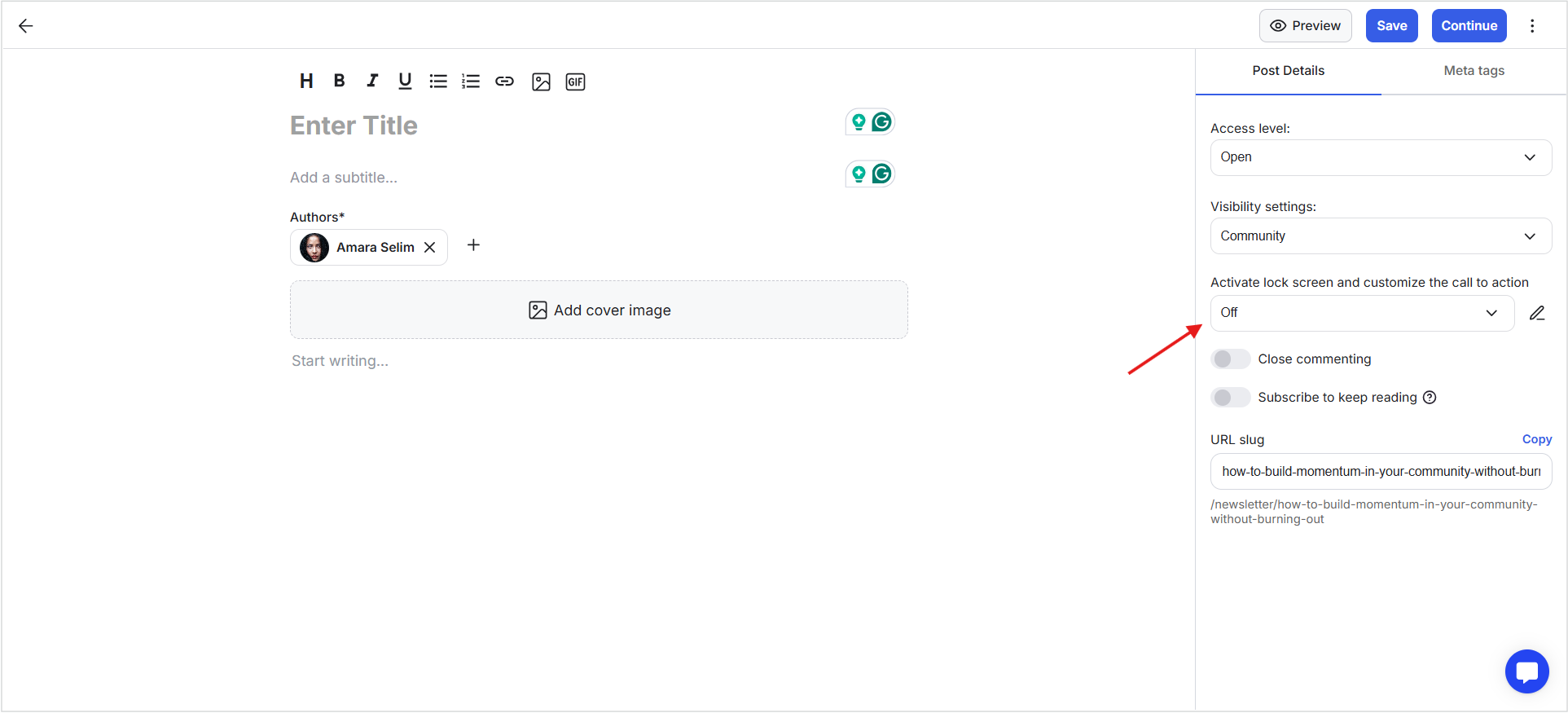
2) You can set a Lock Screen with a custom message and CTA button with a link, or add a redirect link.
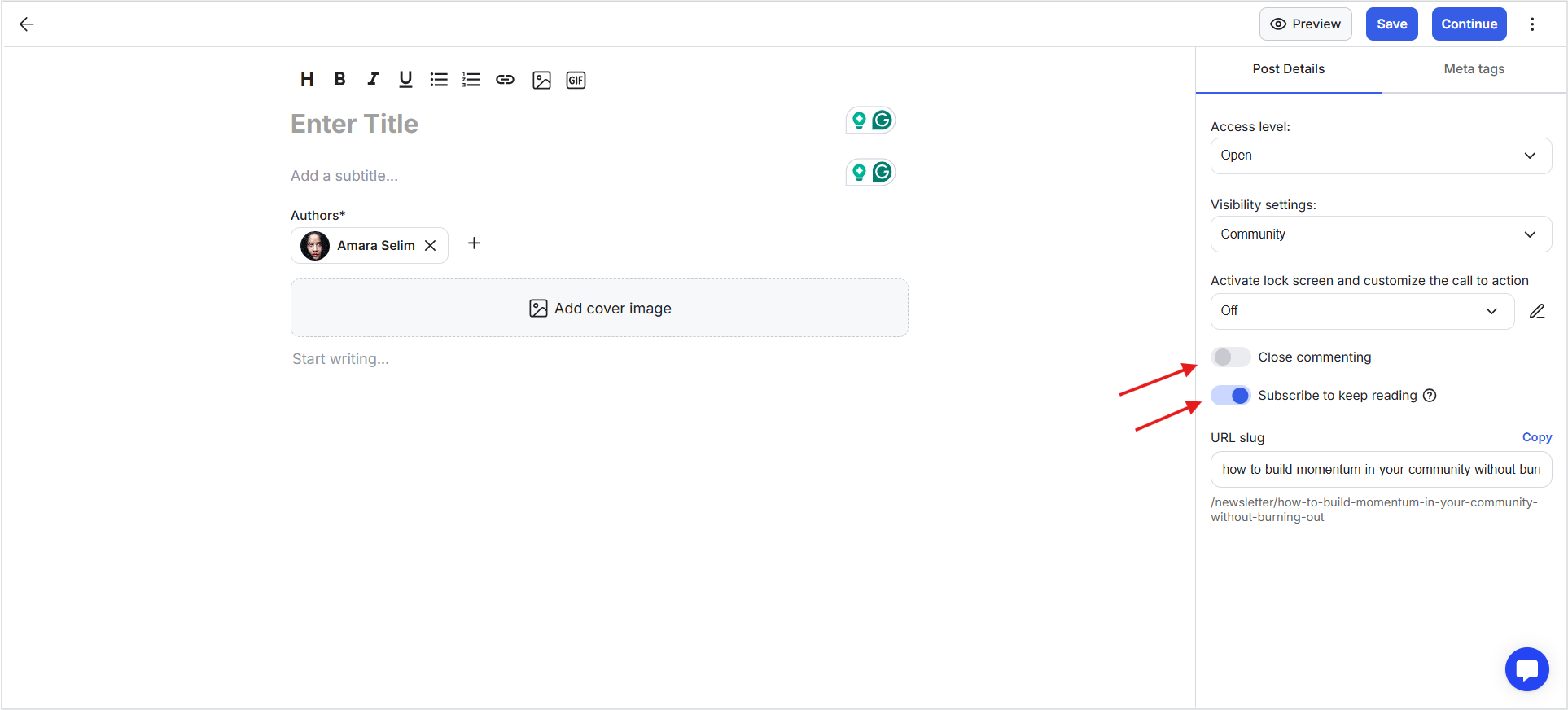
3) Toggle Close Commenting if you want to disable comments on the newsletter.
4) Toggle subscribe to reading if you want to limit how much non-members can see. If enabled, non-members will only see a preview and a CTA to enter their email to continue reading, and they will be added as a non-member in GroupApp.
5) Customize the Slug URL. By default, it is generated from your newsletter title.
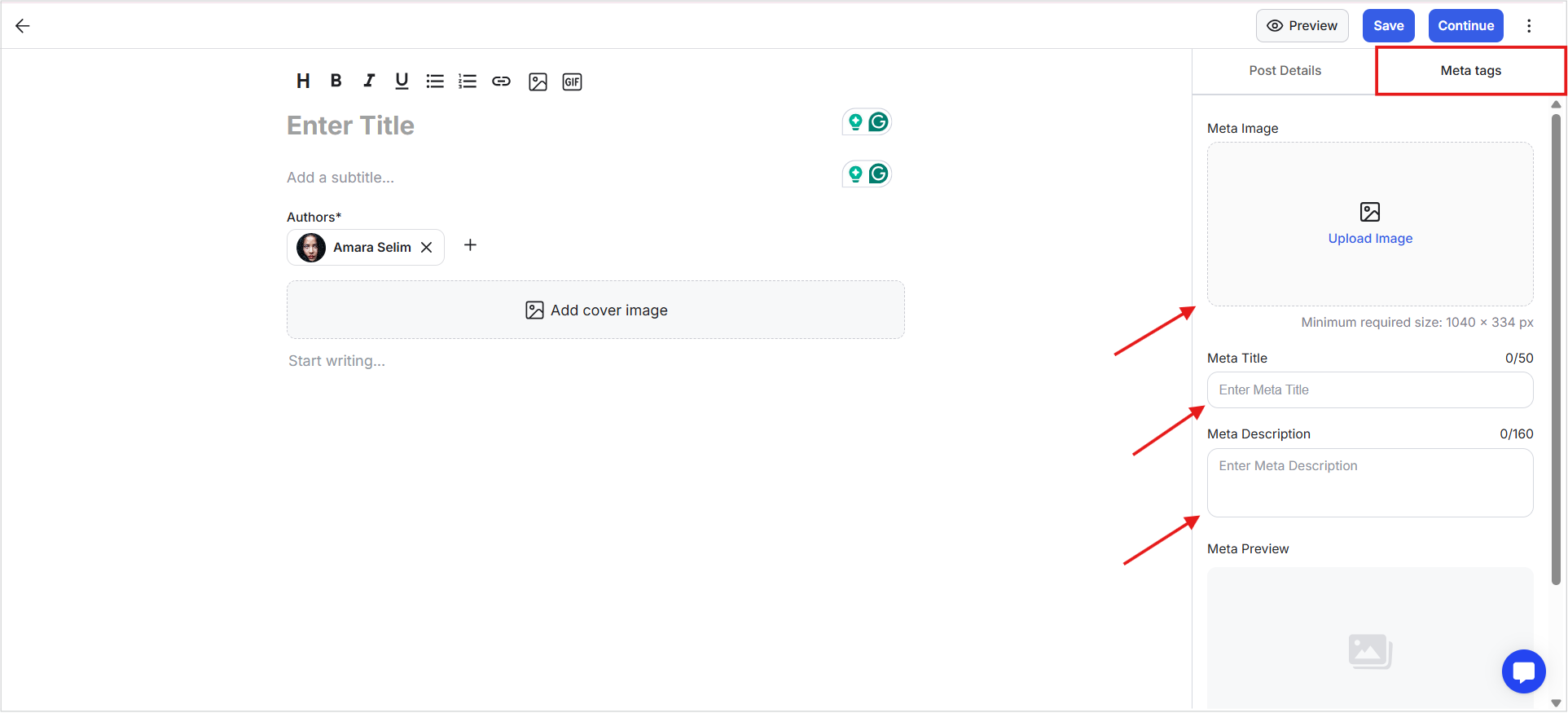
6) Open the Meta Tags tab in the right-side panel and set the meta title, description, and image. A preview will be shown at the bottom.
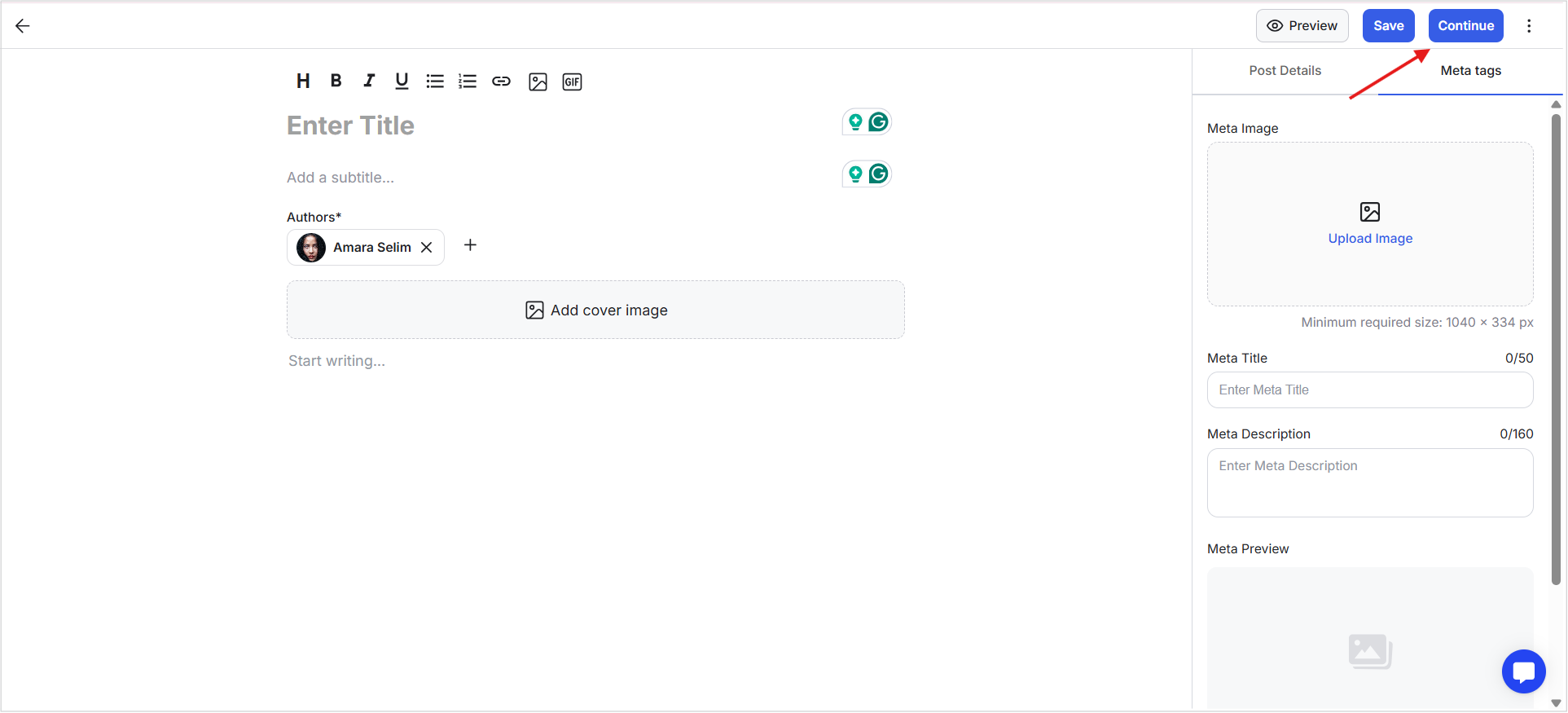
7) Click Continue once everything is ready.
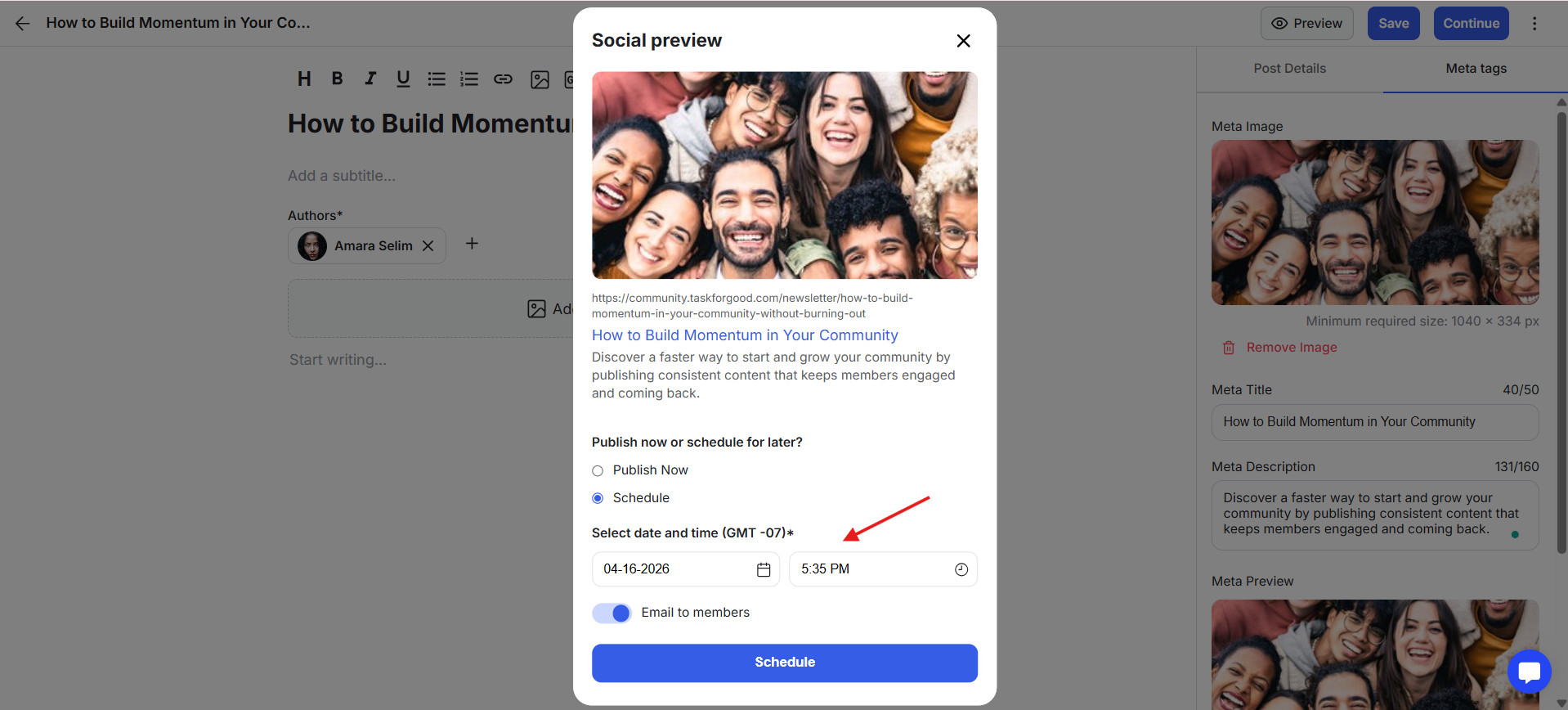
8) You’ll see a preview pop-up with your cover image and meta details. Here, you will have two options for posting. Click Publish Now to publish the newsletter immediately. Or click Schedule to set a date and time for publishing.
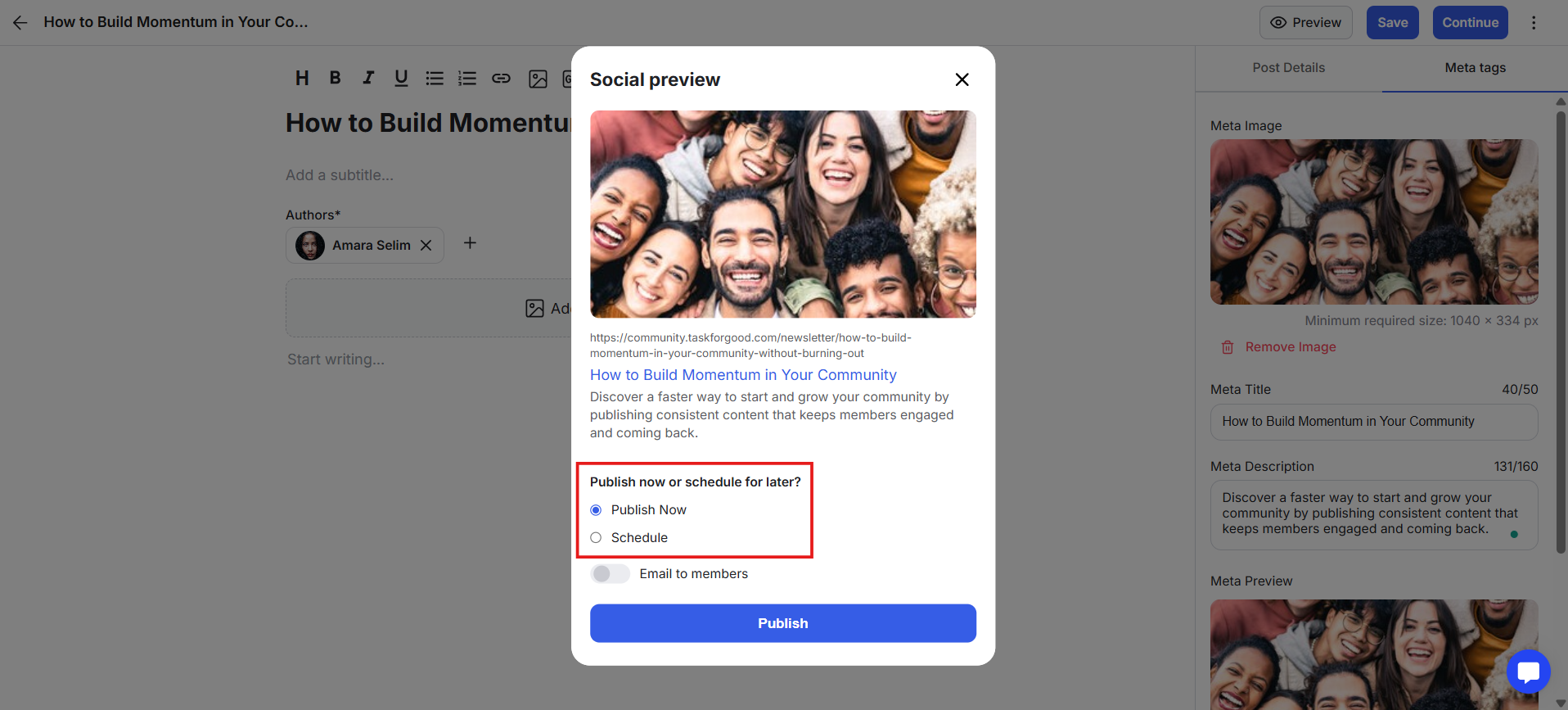
10) When scheduling, select the date and time using the date and time picker.
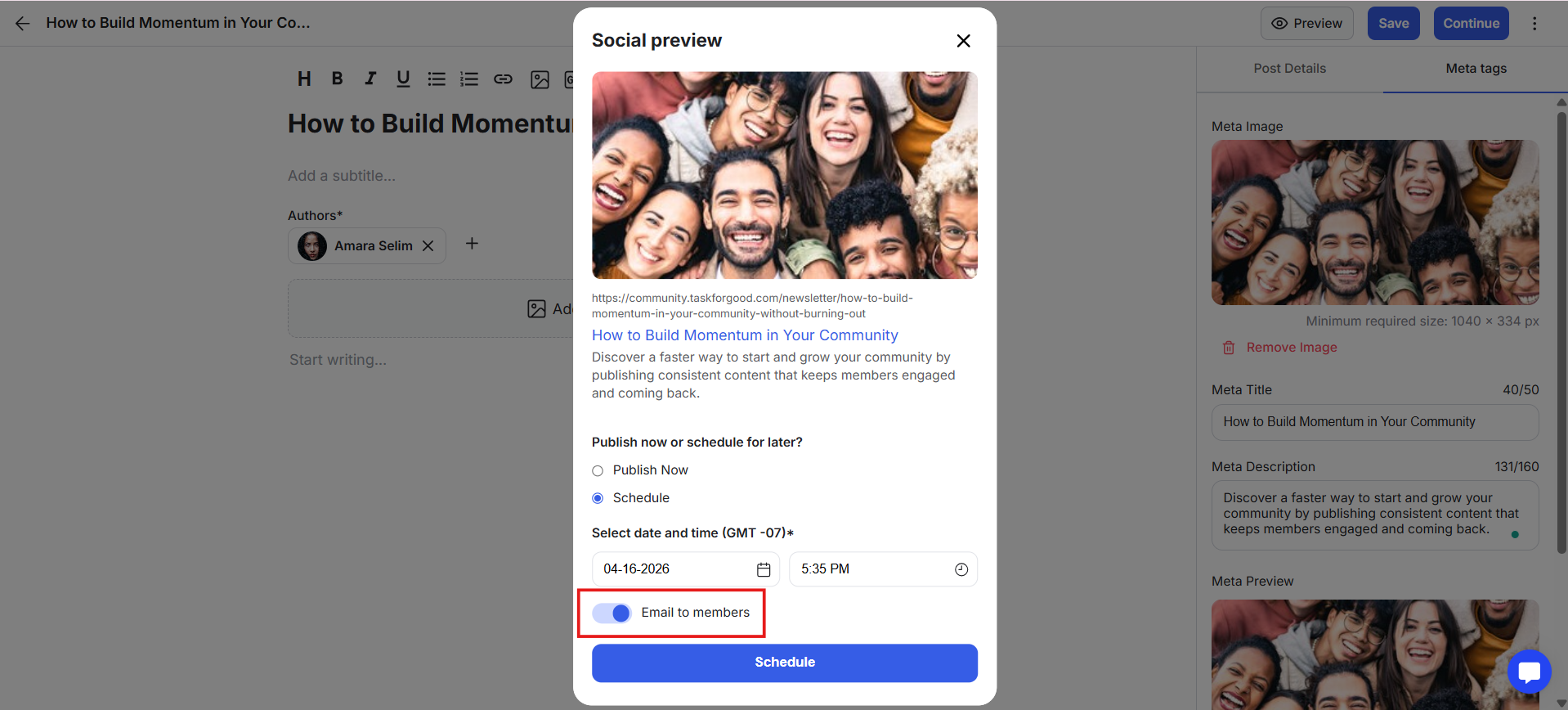
11) You can enable Email Members to send this newsletter as an email. If scheduled, the email will be sent at the selected time.
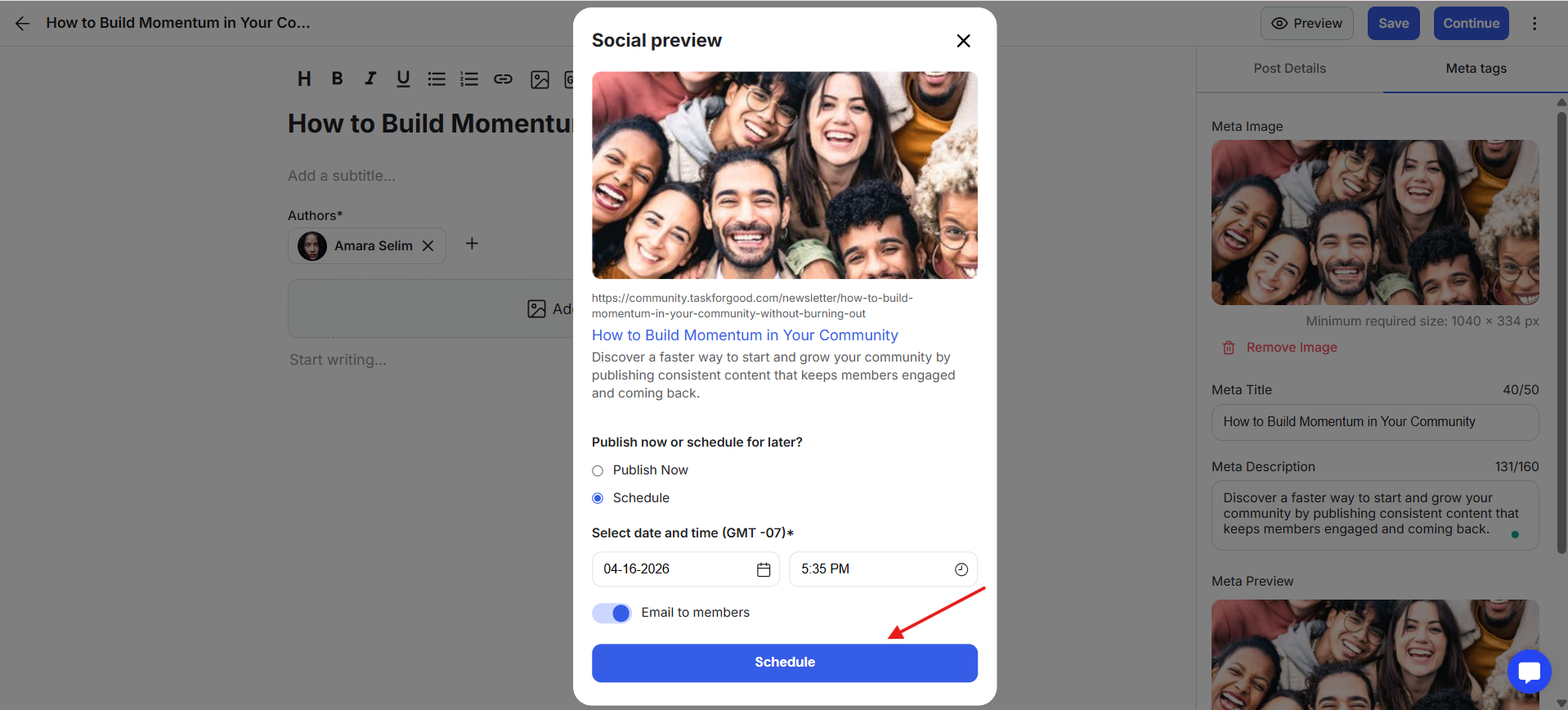
12) Once done, click the blue button to complete the process.
Newsletters are not just for updates. They are a core way to deliver value, build trust, and grow your community over time.
Here’s how they are typically used:
Launch Fast Without Overbuilding: Start your membership by publishing content instead of waiting to create a full course or resource library. This lets you go live sooner and start building momentum immediately.
Stay Consistent Without Burnout: Share ideas, lessons, or updates in a simple format that doesn’t require planning a full curriculum or running live sessions.
Deliver Ongoing Value to Members: Give your members something new to read, learn from, or reflect on regularly. This helps justify subscriptions and keeps engagement high.
Build Authority Through Content: Publish insights, breakdowns, or opinions that position you as a leader in your space.
Create a Content-to-community Funnel: Share posts publicly so they can be discovered, then convert readers into subscribers or members directly inside GroupApp.
Keep Everything in One Place: Instead of using external platforms for newsletters, you can write, publish, and grow your audience within your own community.
Bridge Gaps Between Programs or Events: Stay active and visible even when you’re not running a cohort, course, or live sessions.
Test Ideas Before Building Full Programs: Write about a topic, see how your audience responds, then decide if it’s worth turning into a course or structured content.
Keep your titles clear and specific so readers know exactly what they’ll get.
Stay consistent. Publishing regularly matters more than writing long posts occasionally.
Focus on one idea per newsletter to keep it easy to read and act on.
Write in a simple, direct style. Avoid overcomplicating your content.
Use cover images and formatting to make your newsletter easier to scan.
Use public posts to attract new readers, then guide them into your community.
Don’t wait to be perfect. Start publishing early and improve as you go.
