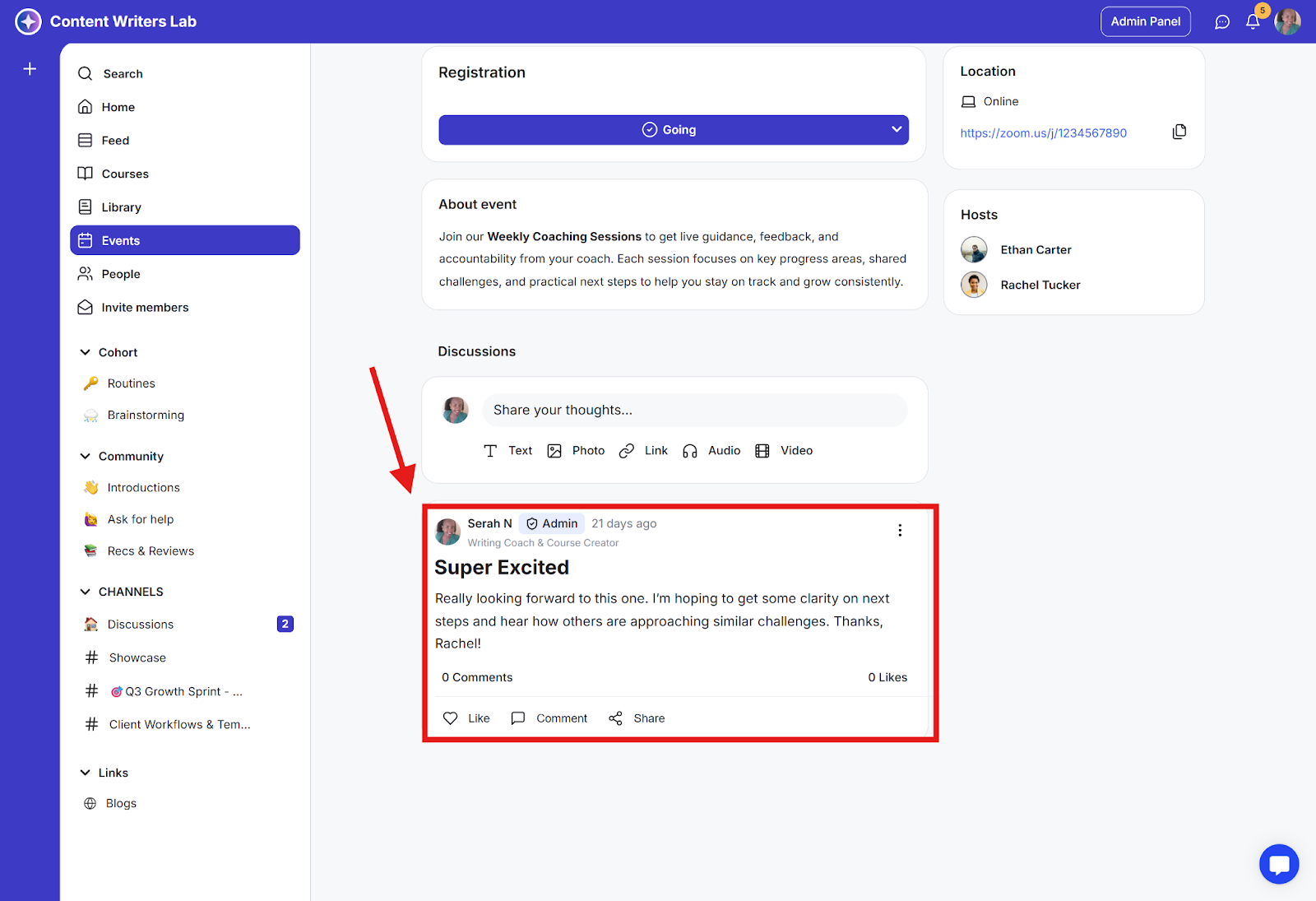
The Community Event Overview Page is your community’s event calendar.
It displays all upcoming and past events in one place, making it easy for members to view details, RSVP, and stay updated on scheduled sessions, workshops, or live calls.
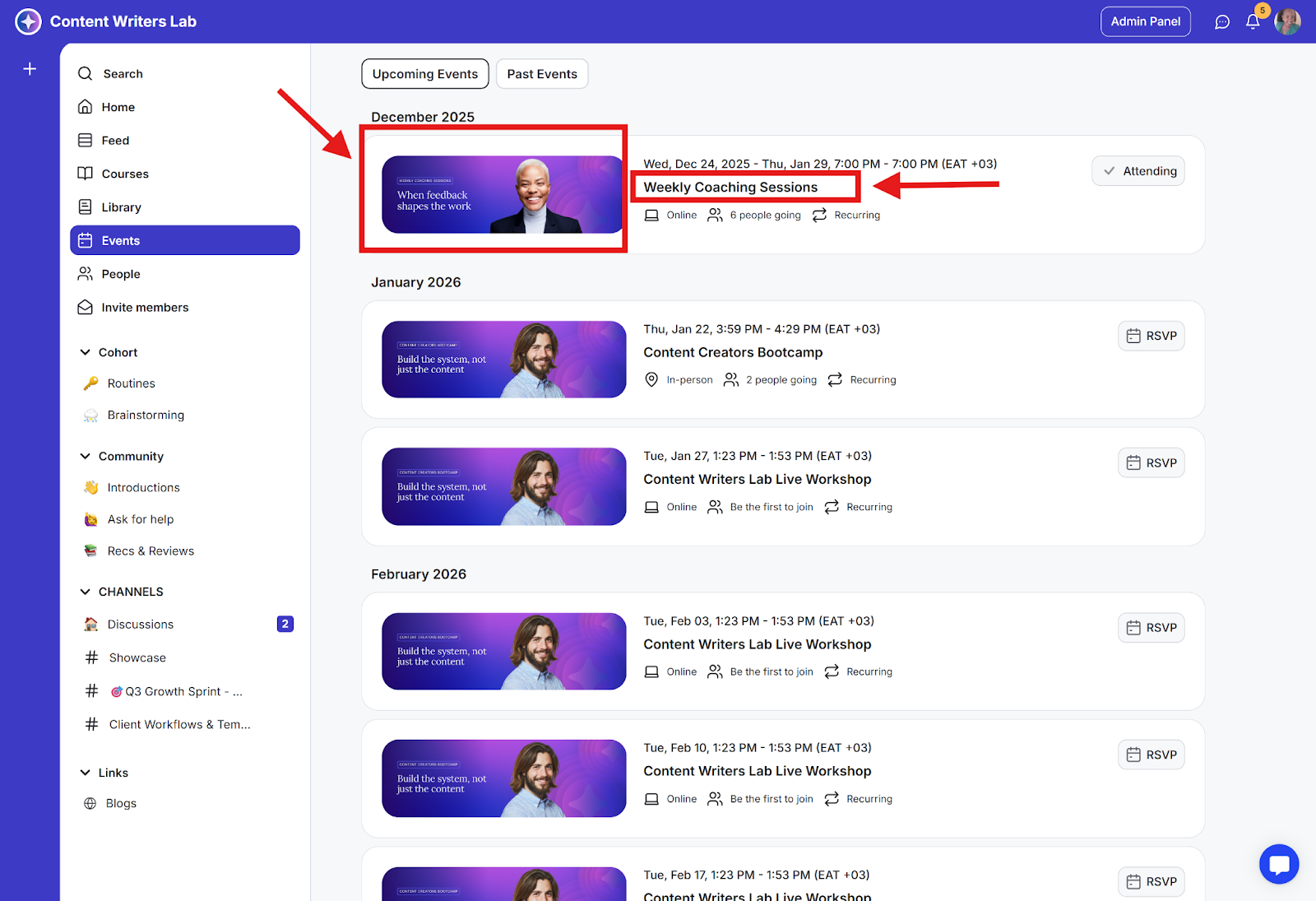
Step 1: To view the events you have published, click Events on the side menu.
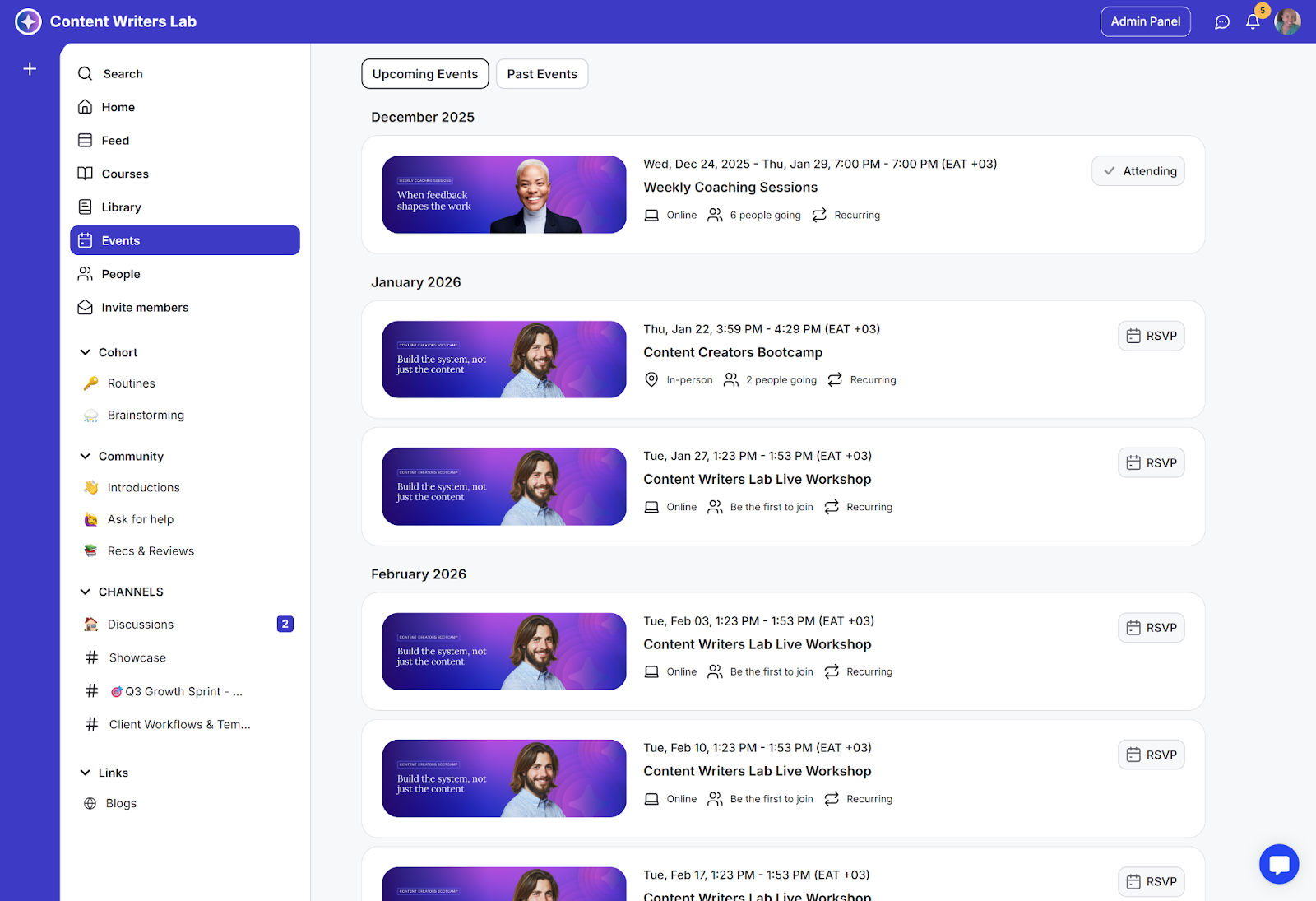
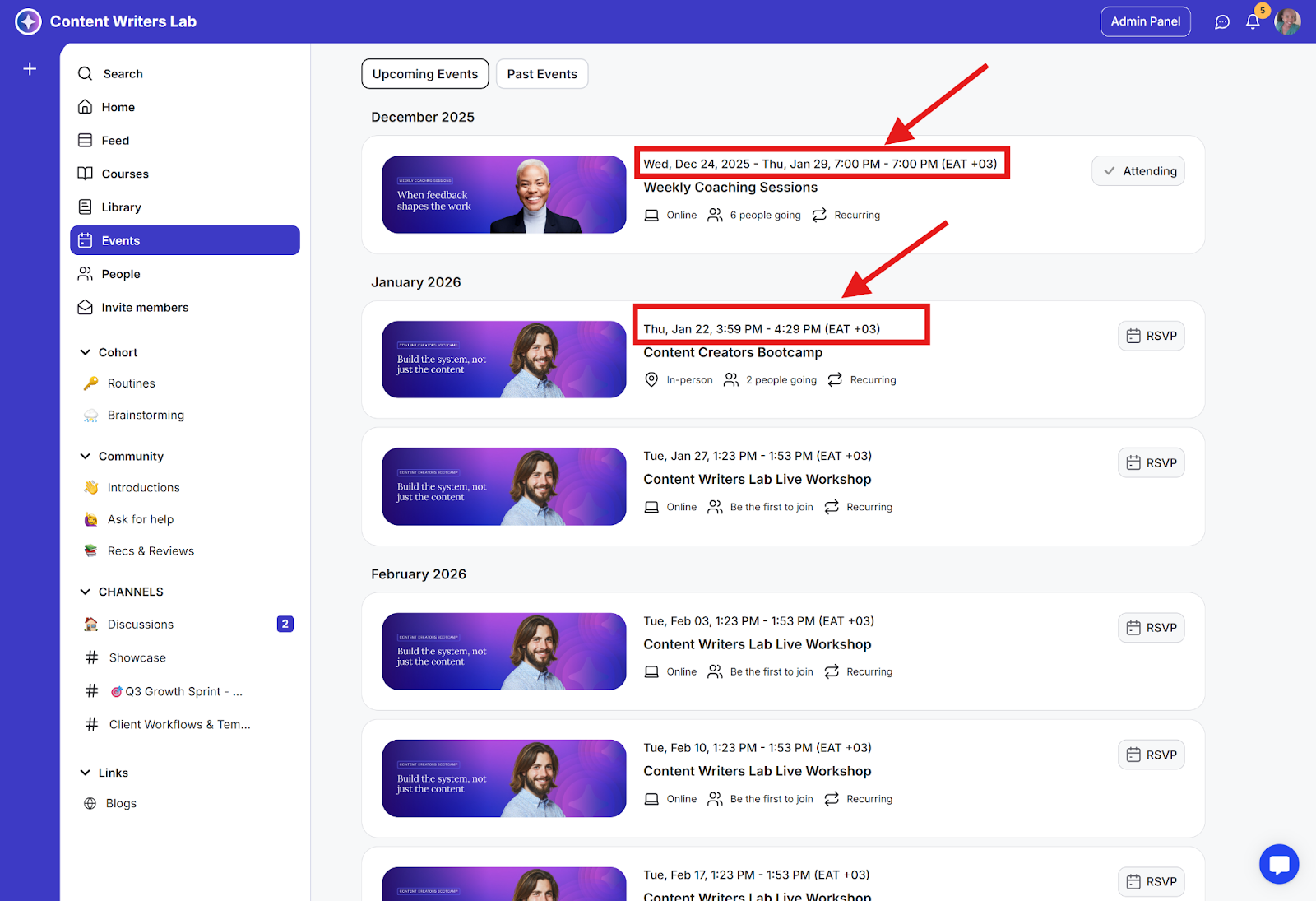
Step 2: You will view details of events such as
Event date and time automatically converted to member’s timezone
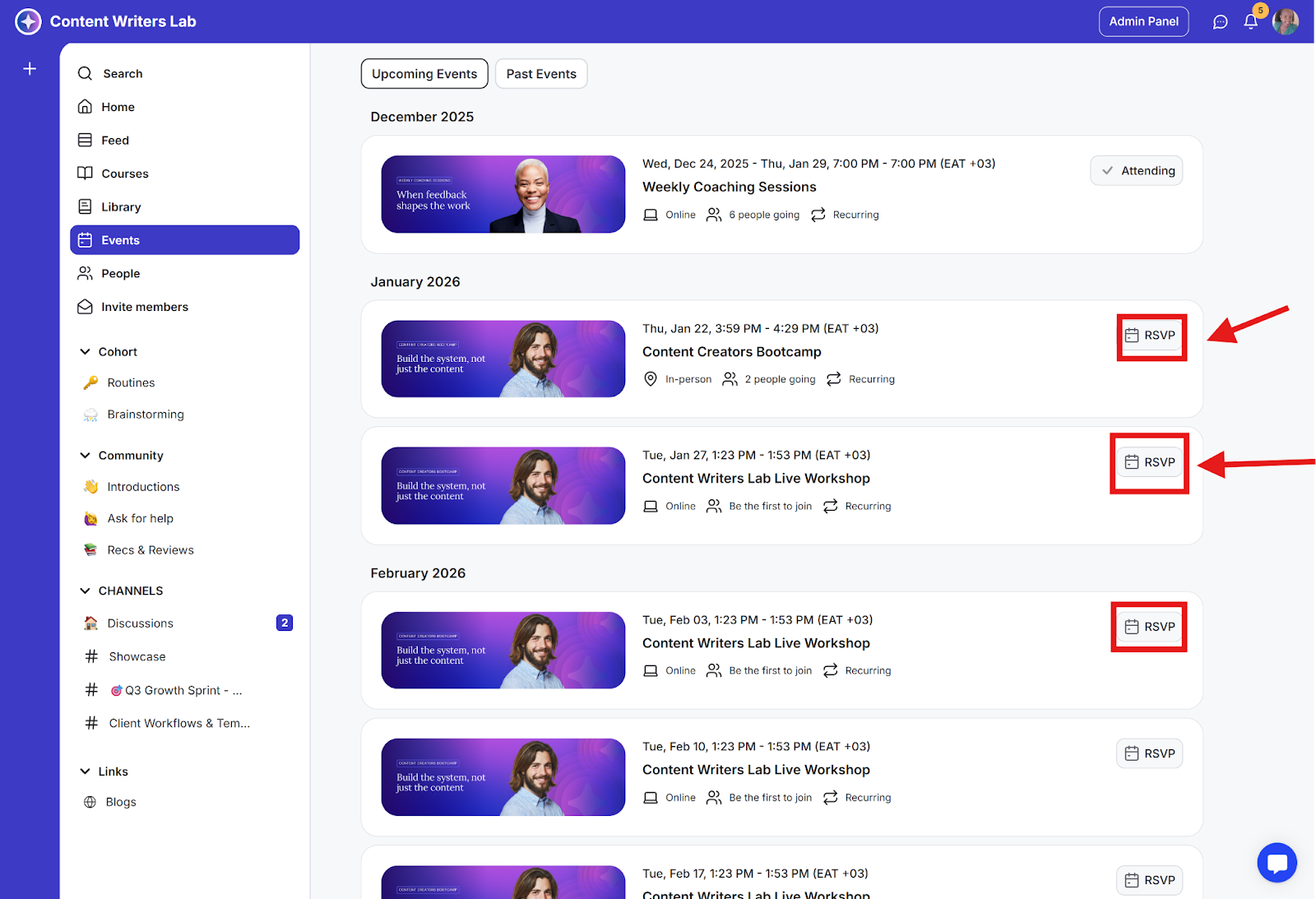
The RSVP button
To open the details of the event, click on the event name or card
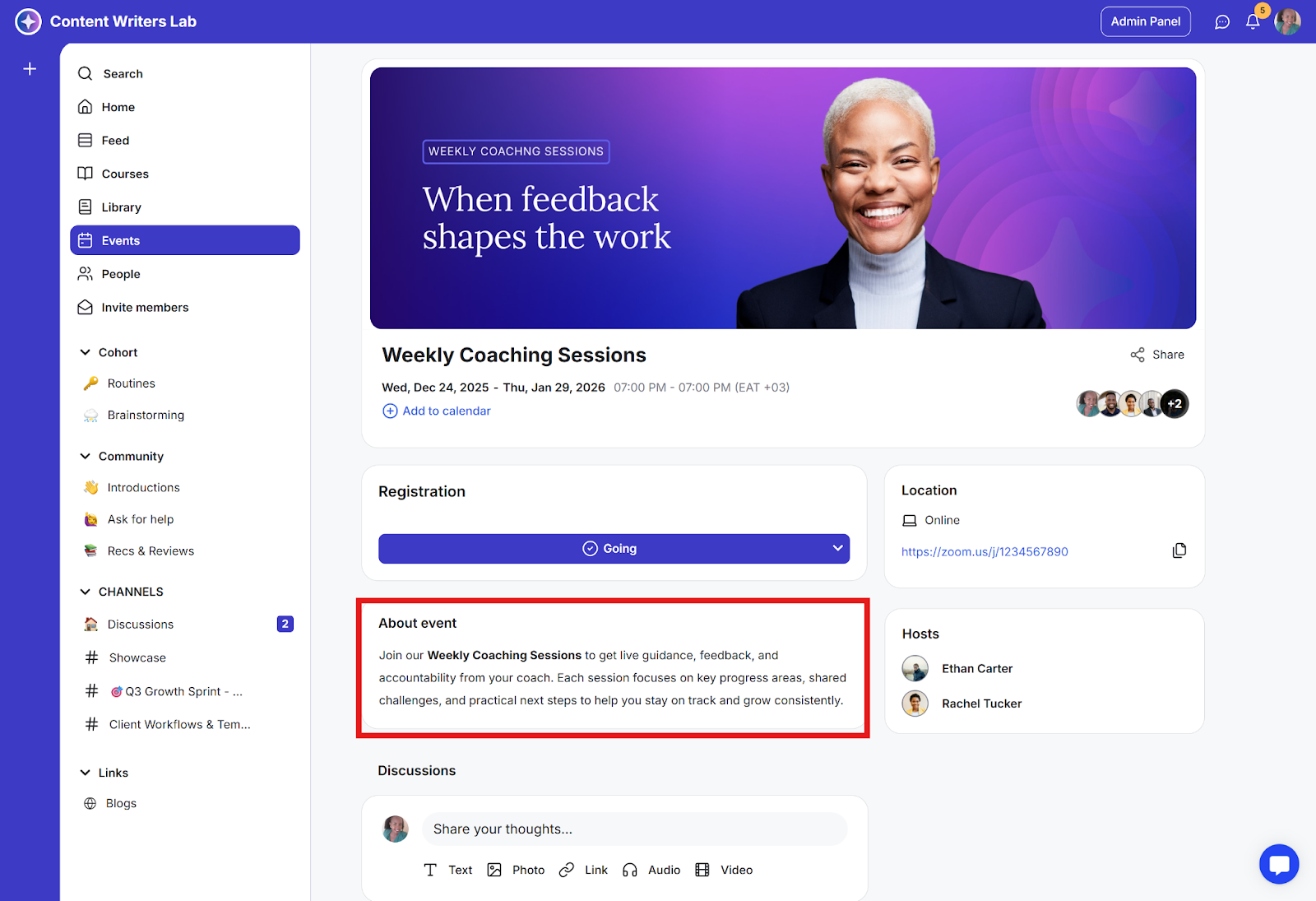
Event description
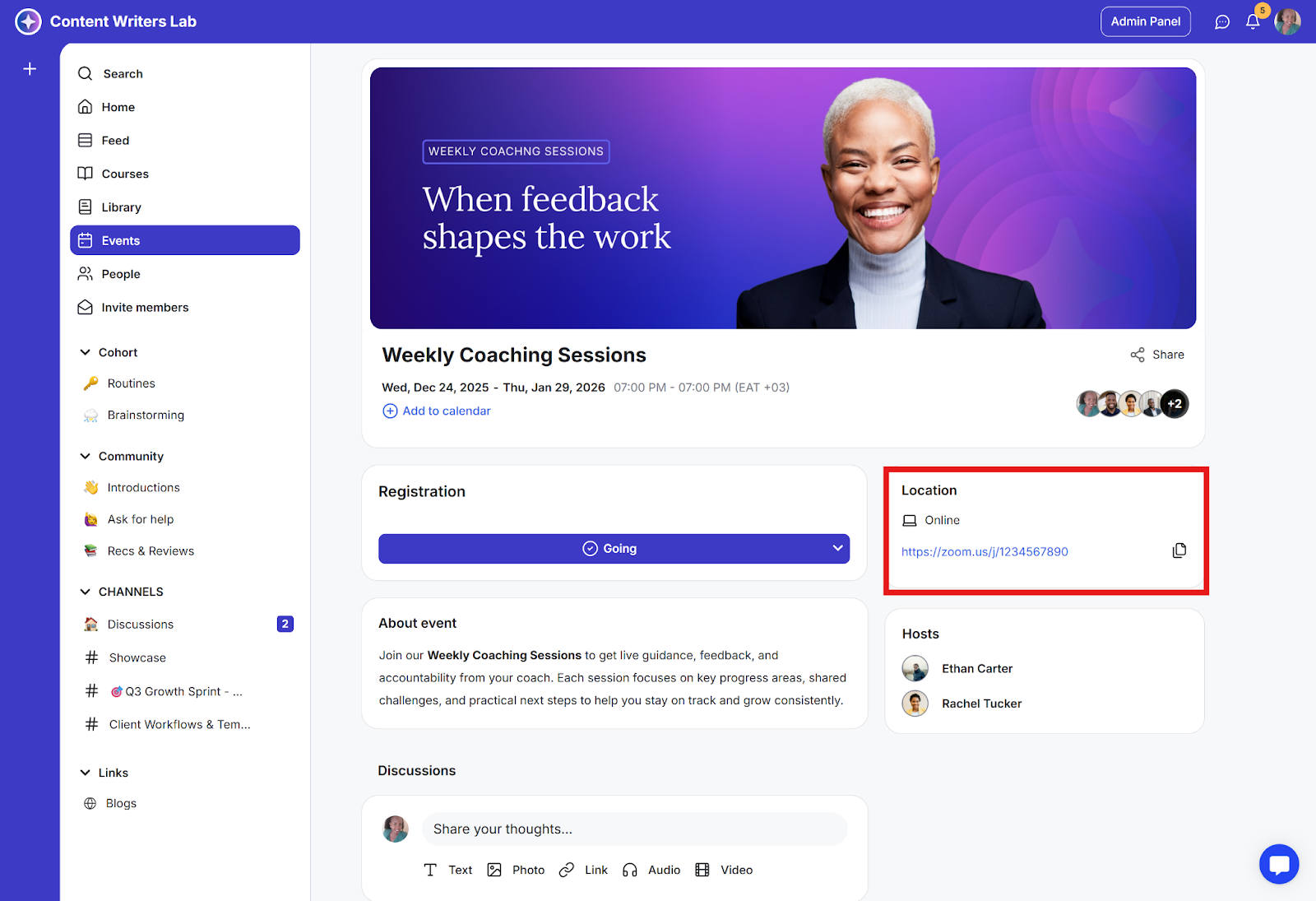
Event location
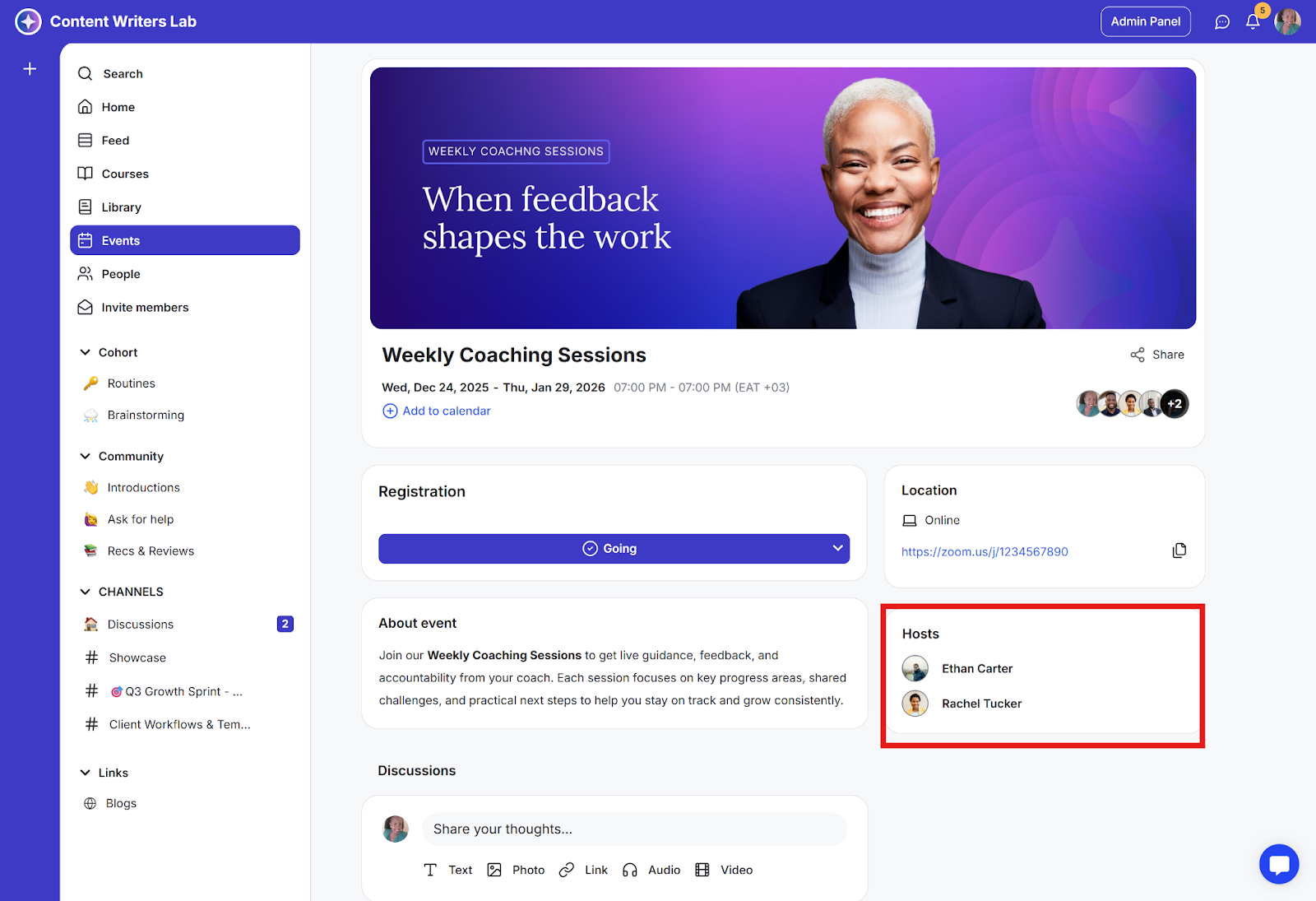
Event hosts
Event discussions